Best YouTube Playlist Downloader: Ultra Simple Download
Watching and listening to your favorite jams on YouTube is always a great experience. The vibe, the mood, and the atmosphere it creates for us is superb. Yet, what will you do if there is no internet at all? Like when you are on an airplane or you travel to secluded places? Well, do not be worried because downloading a full playlist on YouTube to listen offline is now possible. That is why, this article exists to help you know the best YouTube playlist downloader and help you with the simple steps in using them. Please do not stop the music indeed with these downloading tools. Continue reading now to discover.
Part 1. Best 3 YouTube Playlist Downloader Software
In this part, we will review three of the leading YouTube Playlist Downloader tools that you can use for your Windows, macOS, and Linux. See our top choice and how it can be easily used for downloading.
TopVox All Music Converter
Let us start giving you the leading YouTube playlist downloader you can use nowadays. You can use TopVox All Music Converter with ease on your computer device. This tool comes with various features that allow users to get a high-quality video playlist from YouTube. The best thing about it is the simplicity of the steps to make it possible. More than that, it also supports various platforms like Apple Music, Spotify, Amazon Music, and more. Please take a look at the simple steps to download your YouTube playlist with ease using TopVox All Music Converter.
Features
- Supports multiple platforms such as YouTube, Apple Music, Spotify, and more.
- Quick Navigation because of its simple and user-friendly interface.
- High-quality audio and video playlist downloads
- Free download and easy installation process
- Built-in search function to find playlists directly within the tool
- Offline playback after conversion
Pros
- Multi-platform support.
- Beginner-friendly.
- High-quality output.
- Free to download music.
- Efficient playlist management.
Cons
- Available with desktop-only.
- Limited advanced settings and customization.
Steps in TopVox All Music Converter
Step 1. Download TopVox All Music Converter. Then immediately install it on your computer.
Step 2. Open the tool and see its interface. Among the platforms, kindly choose YouTube since this is where we want to download our playlist.
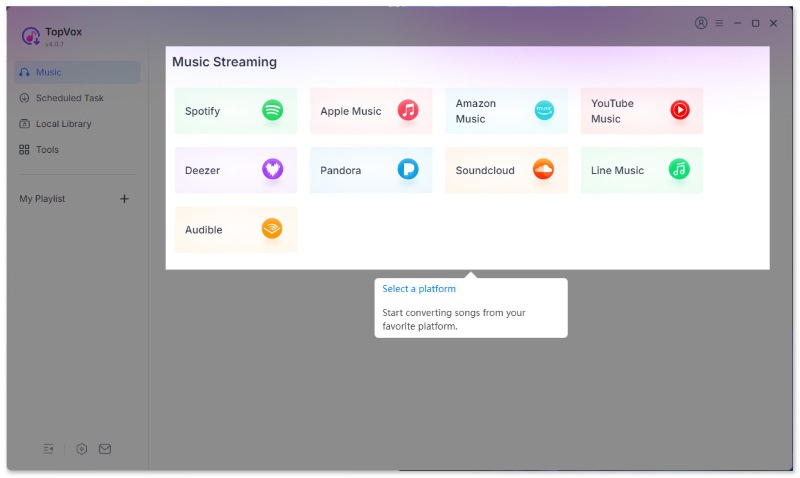
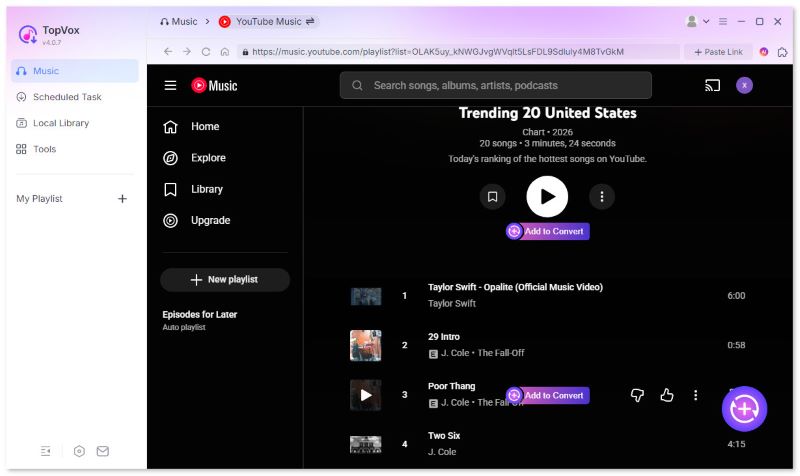
Step 3. The tool will now show you the interface of YouTube. Then see the Search button and look out to the playlist you want to download. Once it shows the playlist, please click the Add button. Please wait for a while and your music will now be available to listen offline.
4K Video Downloader
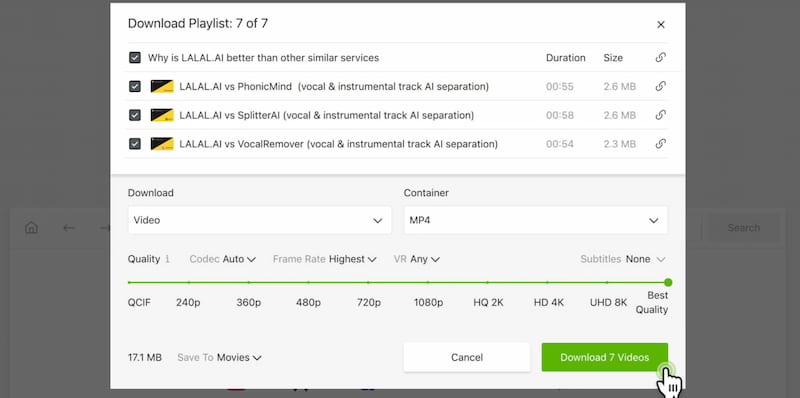
The second on the list is the 4K Video Downloader tool that can also help us download videos, playlists, channels, and subtitles from different platforms we love such as YouTube, Facebook, Vimeo, and more. When it comes to its features, the tool supports high‑quality formats which can support up to 4K to 8K resolution output. This is also capable of extracting audio only such as MP3 and M4A. But, the best thing is its ability for batch downloads and subtitle saving. You can now enjoy all of these features on your Windows, macOS, and Linux.
ByClick Downloader
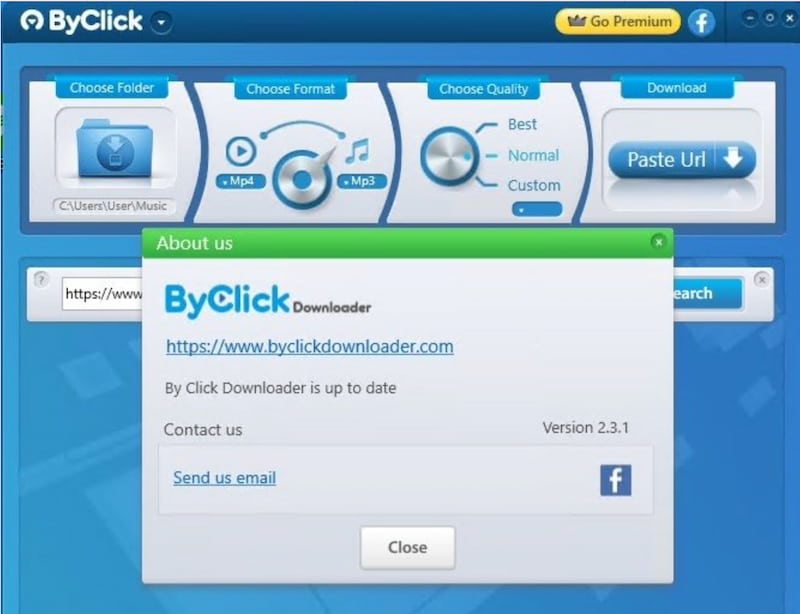
ByClick Downloader is the third tool you can use to get the YouTube playlist you want. This amazing tool supports one‑click downloads directly from browser prompts that can come with stunning HD, 4K, and MP3 conversions. More than that, this tool’s interesting feature is that you can download private videos as long as you are logged in on it. However, all of these features are only usable with your Windows computer.
Part 2. Top 3 Online YouTube Playlist Downloaders
Let us now proceed in showing you another three amazing YouTube Playlist downloaders that you can use without downloading a tool. These are the three online tools for you:
Loader.to
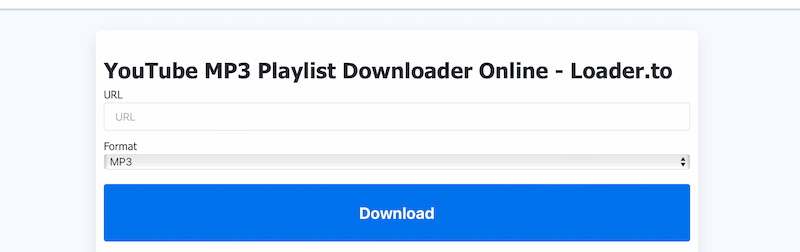
Let us start with Loader.to which is a free web-based downloader that also gives you the ability to download a playlist from YouTube, Vimeo, SoundCloud, and more. The tool simply allows a smooth downloading of entire playlists in multiple formats such as MP3, MP4, FLAC, WEBM up to 8K. That is why many users love it because of its wide support for formats.
Pros
- No installation required because it works directly in the browser.
- Supports many formats for audio and video output.
- Can handle full playlists you like.
Cons
- Ads and pop-ups can be intrusive.
- Download speed may vary depending on server load.
- Some users report occasional failed conversions.
YouTubeplaylist.cc
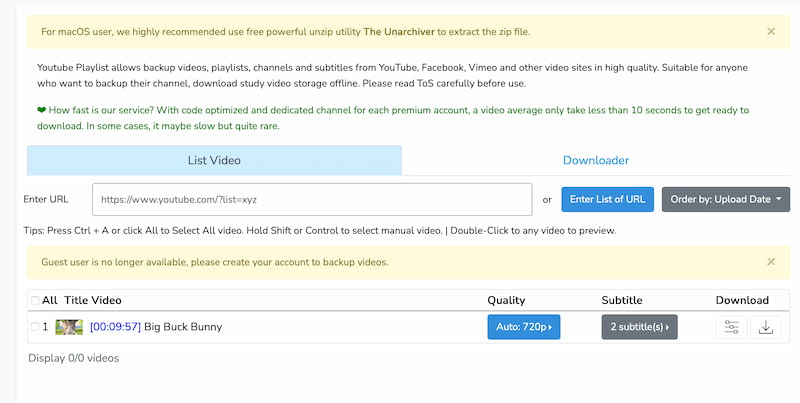
The next online tool you can use is YouTubeplaylist.cc. Many users love this because this is an online tool focused on downloading entire YouTube playlists with ease. Also, the tool comes with great protection because its Scam Detector rates. This feature alone made this tool secure and trustworthy, scoring high in safety checks. Moreover, it is easy for beginners who just want playlists offline, but lacks customization for power users.
Pros
- Specialized for downloading YouTube playlists.
- High trust rating for safety because of the Scam Detector.
- Simple interfaces come with no software installation.
Cons
- Limited format options compared to other online tools.
- May not support very large playlists or private videos.
- Fewer advanced features such as subtitles and metadata.
Youtubear
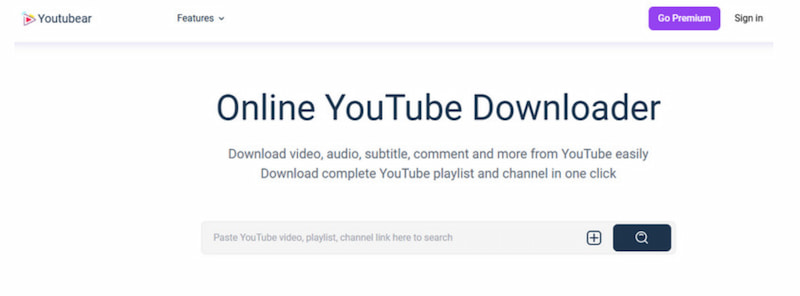
Youtubear is the third among free YouTube downloader apps that allow us to get a complete YouTube playlist with ease. However, the tool seems to be less widely reviewed and documented compared to other tools. That is why there is a mixed reaction about its user experience. Some users find it convenient, but the tool fails when it comes to security, which is why other users are cautious about reliability and safety. Good thing, users suggested that it is best used when you have an antivirus protection and only from verified sources.
Pros
- Simple to download playlist.
- Works across multiple sites, not just YouTube.
- This is a free online tool for everyone.
Cons
- Less documentation and fewer trusted reviews.
- May pose risks if not from an official source.
- This may bring possible clones or scam sites.
- Limited advanced features compared to established tools.
Part 3. Comparison Chart of YouTube Playlist Downloader
| Formats | Audio Quality | Convert Speed | Platform | ID3 Tags | Web Player | Safety |
| TopVox Converter | MP3, MP4, and others. | High | Fast | Windows/Mac | Yes | Yes | High |
| 4K Video Downloader | MP4, MKV, MP3, and M4A. | High (up to 8K) | Fast | Win/Mac/Linux | Limited | No | High |
| ByClick Downloader | MP4, AVI, MP3, and WAV. | High | Fast | Windows | Yes | No | Moderate |
| Loader.to | MP3, MP4, FLAC, and WEBM. | High | Variable | Web | No | No | Moderate |
| YouTubeplaylist.cc | MP3 and MP4. | Moderate | Variable | Web | No | No | High |
| Youtubear | MP3 and MP4. | Moderate | Variable | Web | No | No | Low–Moderate |
Conclusion
There you have the three amazing tools for YouTube playlist downloader on computer and another three for an online process. We can see that the downloading of the playlist we love is now easy to do. Therefore, we should not be worried about having no music when there is no internet connection, because having an offline playlist is now possible. If you need recommendations, then users really love to use TopVox All Music Converter. Use it now for free.
Owen Bannett
Owen Bannett is a music enthusiasm as well as a senior writer. He has paid close attention on the pros & cons of various audio formats, bitrate, sample rate and encoding methods. Always seeking the best listening experience, Owen has deep insights about lossless music and diverse music converters on the markets.




 by
by