Dashiell



100% Secure. No virus.
100% Secure. No virus.
100% Secure. No virus.
100% Secure. No virus.
TopVox All Music Converter supports converting music from multiple streaming platforms, including Spotify, Apple Music, Amazon Prime Music, YouTube Music, Deezer, Pandora, SoundCloud, Line Music, or Audible.
Therefore, whether you get accustomed to using which popular music streaming platform, you can easily convert your favorite songs, albums, playlists, and podcasts to digital formats by TopVox All Music Converter, such as MP3, for offline listening.
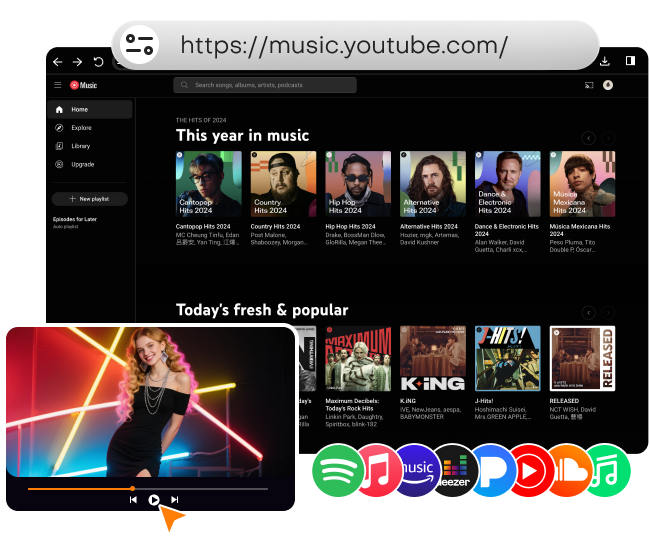
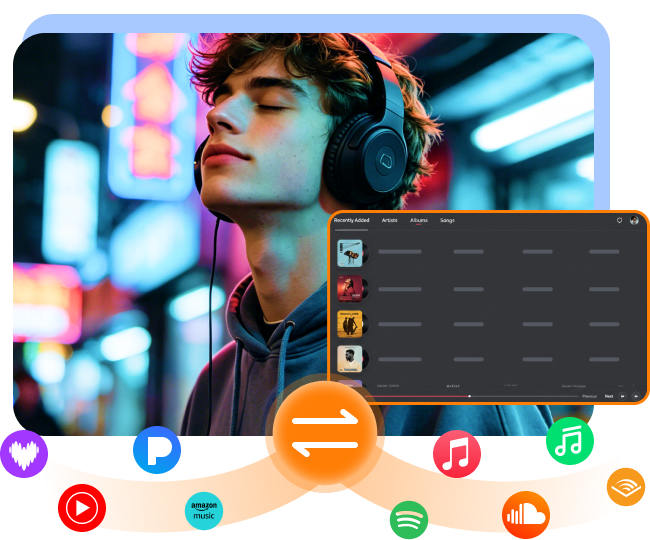
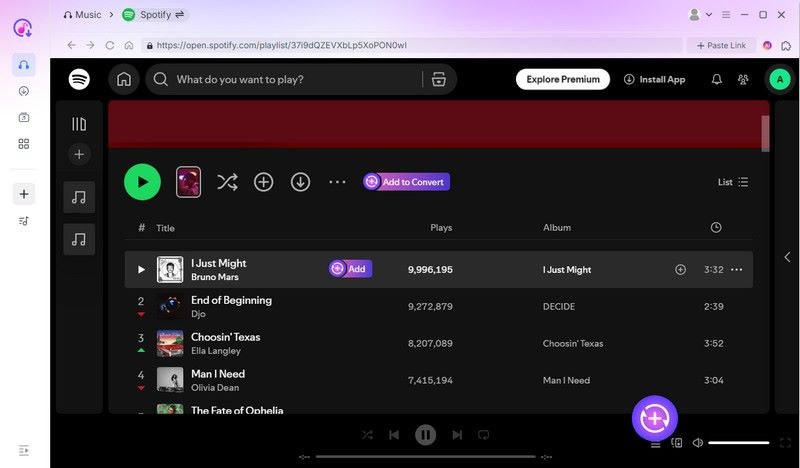
Enjoy a seamless workflow with the integrated web player. With TopVox All Music Converter, there is no need to switch between music apps or open multiple browsers. The embedded web player allows you browse, search, play, and download your favorite tracks inside one program. Just like using your familiar music apps, you can fully control it without any hassle.
Wait too long when converting and downloading a bundle of music?
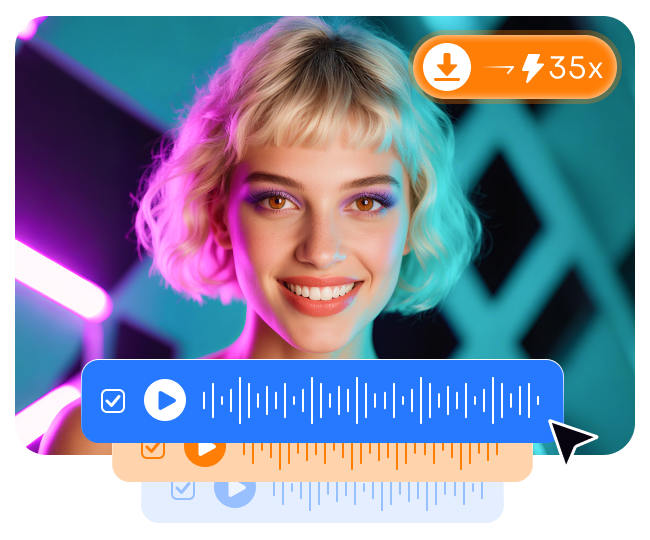
Don't worry! TopVox All Music Converter improves work efficiency with batch processing and 35× lightning-fast speed to download music from those streaming platforms. Instead of handling songs one by one, you can download entire playlists or albums in one click. Additionally, with speeds up to 35 times faster, the tool ensures you receive your tracks quickly without compromising quality or stability.
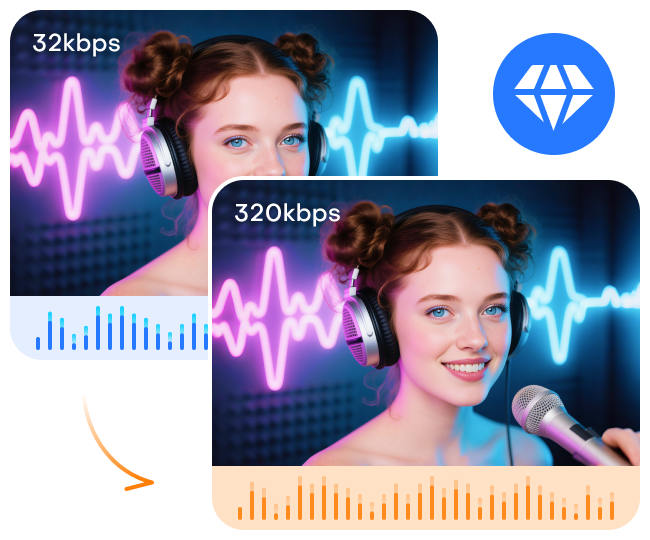
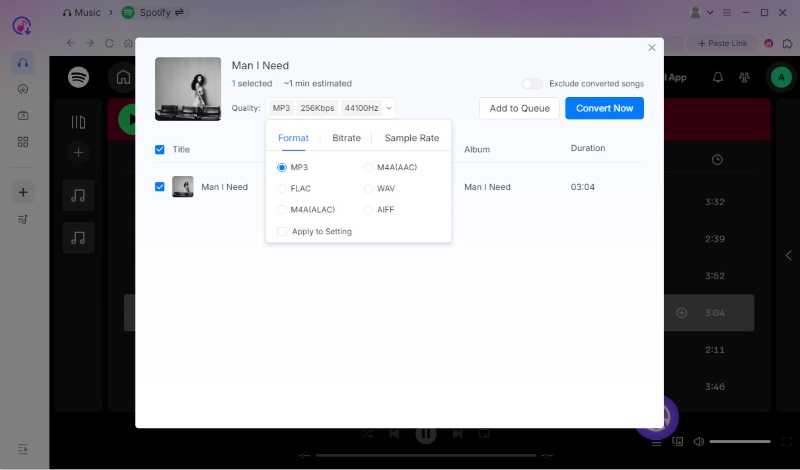
By processing and optimizing audio effect algorithms, TopVox supports complete customization of your output audio quality. For MP3 and M4A formats, you can maintain the original fidelity or choose from 320/256/128kbps and 48000/44100/22050Hz—ensuring acoustic features remain crystal clear. For other lossless formats like FLAC, we support 24-bit output, meeting Hi-Res audio standards to capture sound variations, providing you a studio-grade immersive listening experience.
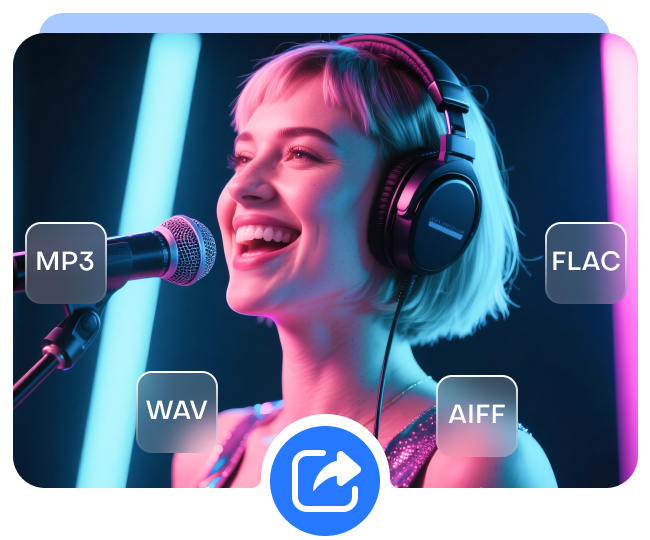
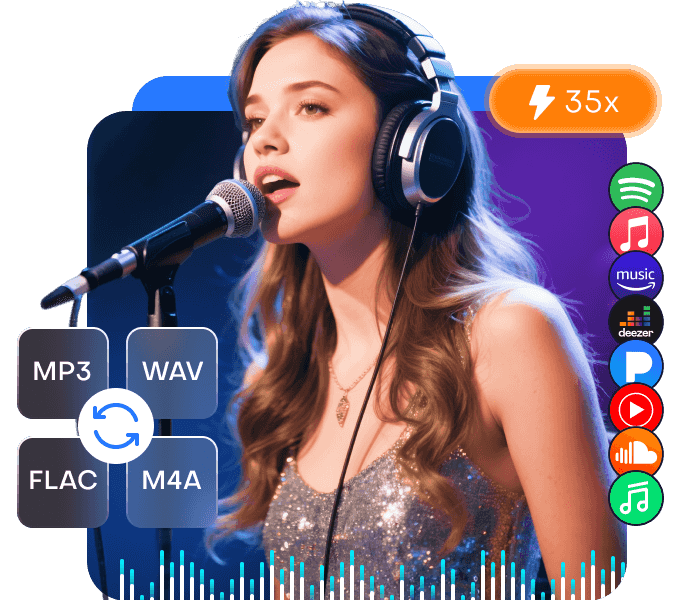
TopVox All Music Converter allows you to choose various output formats flexibly, in order to suit your different devices and preferences. You can convert songs to MP3, WAV, FLAC, AIFF, M4A (AAC), or M4A (ALAC) easily and then download them from different streaming platforms. Thanks to the excellent compatibility with computer, smartphones, tablets, and music players, TopVox All Music Converter gives you freedom to enjoy music anywhere.
Perhaps you want to switch to other music services, but you can't let go of your cherished music collection – No manual searching and backing up by recording! With the built-in playlist Transfer tool, you can auto-sync or move your favorite playlists between Spotify, Apple Music, Amazon Music, YouTube Music, Deezer, Pandora, and SoundCloud with one click! TopVox All Music Converter intelligently identifies entire playlists while preserving every metadata and proper order, allowing you to get a smooth music migration, for example, from Spotify to Apple Music on Windows/Mac.

Retain ID3 Tags
ID3 tags include song titles, artists, and album details, easy for organization and identification.

User-friendly Operations
Intuitive design and simple steps ensure effortless navigation and operation for all users.

99% Success Rate
With peerless DRM-removal technology, TopVox All Music Converter has the 99% success rate for music downloading.

Safe with No Ads
Our software is clean and free from malware or viruses, so you can use it with confidence.
Music Collectors

Commuters

Audio Editor

Frequent Travelers
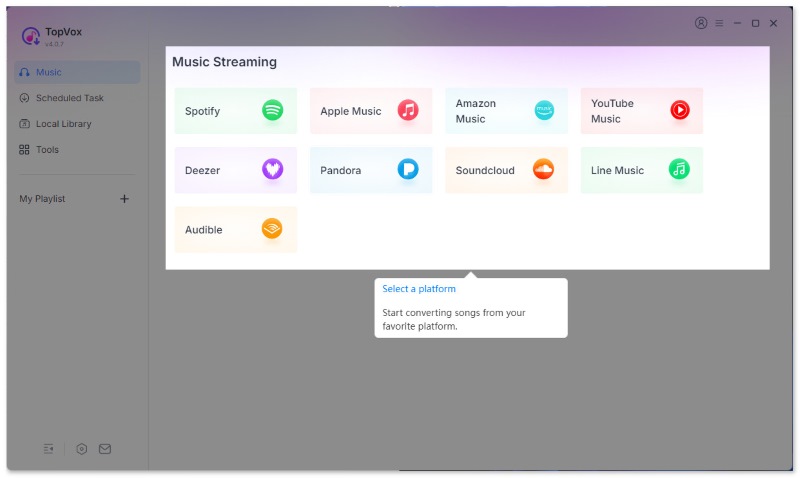
Step 1. Choose the platform and log in
First, open the program and log in with your TopVox account. Then, choose the streaming platform where you want to access music and sign in as usual.
Step 2. Add the targeted track
In the embedded web player, you can search for the music, album, podcast, or other content you need. When you find what you want, you can click Add to Convert or the Add button (a plus icon at the lower right corner).
Step 3. One click to convert music
After changing the output parameters, click the Convert Now. Wait for a while, and you can listen to offline music anywhere and anytime!
1. Is TopVox All Music Converter safe?
2. What is the difference between the free trial and the subscribed version?
3. What music formats are supported by TopVox All Music Converter?
4. Where can I find the downloaded music?
5. Will the music quality be lost after the conversion?

Dashiell
TopVox All Music Converter is incredibly easy to use. I was able to download and convert my entire Spotify playlist within minutes, and the sound quality stayed perfect.

Sarah
I love that it supports so many platforms. Whether it's Apple Music or YouTube Music, I can finally keep all my songs in one place without worrying about compatibility.

Thaddeus
The batch download feature is a lifesaver! I converted dozens of tracks in one go, and the 320kbps quality makes them sound just as good as streaming.

Marigold
This tool gives me total flexibility. Different output formats mean I can play my music on my phone, car stereo, and even in my editing software without any issues.
TopVox All Music Converter
100% Secure. No virus.
100% Secure. No virus.
100% Secure. No virus.
100% Secure. No virus.


*Required field
*Please enter a valid email
Copyright © 2026 TopVox. All rights reserved.

Subscribe to Our Newsletter:
Please fill in the details below. Fields marked are required.
First Name
First Name cannot be empty.
Last Name
First Name cannot be empty.
Email Address
Email Address cannot be empty.
Invalid Email Address . Please try again.
Country
Country cannot be empty.
Phone(optional)
Please enter a valid phone number.
ZIP Code(optional)
Please enter a valid ZIP code.
📌Subscribe now and take an extra 20% off on top—double the savings, plus early access to future product updates.

Congratulations! - Exclusive Bonus🎁
Thank you for subscribing! You have successfully joined our newsletter. Expect updates, offers, and insights delivered straight to your inbox. Plus, we offer you an extra $30 off on TopVox Lifetime Membership!



