
Text to Speech Extension: 7 Leading Tools for your Web Browser
 by Ethan Carter | April 7, 2026 | Text to Speech
We are all using web browsers to inquire and navigate information about different topics. Sometimes, reading a lot of information might be exhausting mentally and even with our eyes. Therefore using text to speech tools to read all the information on the web is a great solution. With this technology, you can now rest your eyes because you can now just listen to the voice that reads all of the information you need to comprehend. It’s like, you have a companion now that reads the information for you. In line with that, here are the seven leading text to speech extension tools for your web browser. Check out as we review their features and important details you should know.
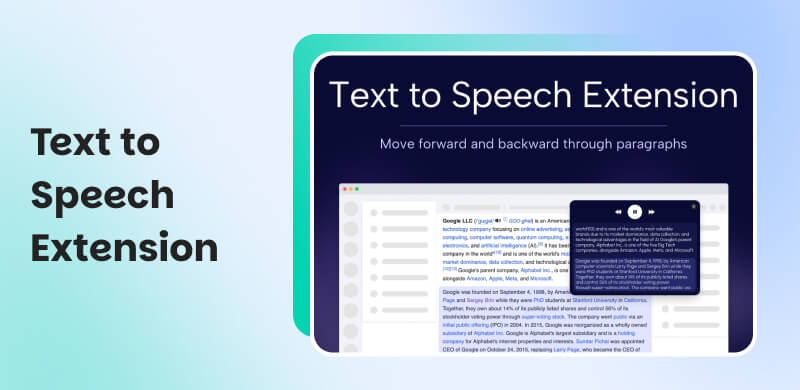
Part 1. What is a Text to Speech Extension?
Text to Speech Extension or TTS extension is a groundbreaking technology that helps users comprehend information with ease by allowing them to listen rather than to read. It is a plugin that we can use with our web browsers like Google Chrome, Microsoft Edge, and Safari. This tool is using AI integration that easily converts written text to audio from browser, PDF files, or any document types that we are using. More than that, the tool enhances productivity by allowing users to just listen to the content. This tool comes with great features like speed control, highlighting, and multi-lingual support.
Key Features of Text to Speech Extension
- Audio Conversion. This can transform email, documents, eBooks, and more into spoken word.
- Learning Accessibility. Allows users to learn productively. It also PDWs friendly works for people with dyslexias, visual impairments, or reading disabilities.
- Easy Customization. Choose from its various voice and speed controls.
- Highlighting. Highlight text as it is read to improve comprehension
Part 2. Top 7 Text to Speech Extensions
Speechify
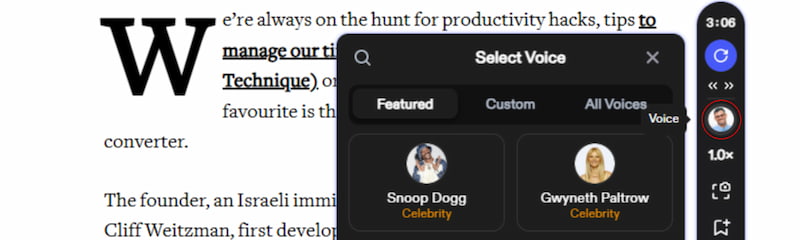
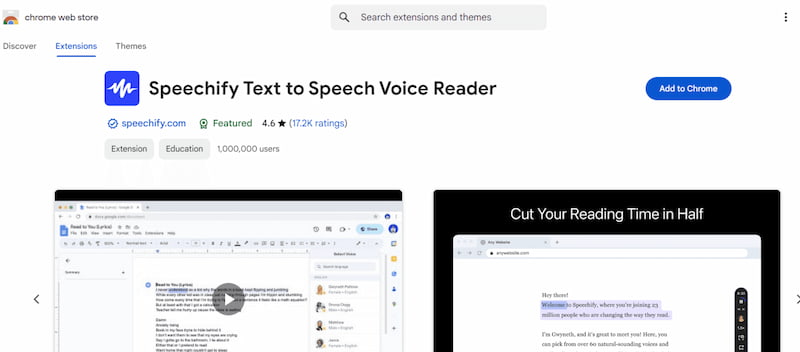
Speechify is known to be one of the polished text-to-speech extensions designed to help you with productivity in work or study. It is best for students, professionals, and multitaskers because of its ability to turn articles, PDFs, and emails into natural audio. More than that, this tool features great AI-powered voices, adjustable speed, and syncing across devices.
Pros
- Realistic voices, tone, and pitch.
- Intuitive interface for easy use.
- Boosts focus and productivity.
Cons
- Premium subscription required for best voices.
- The free version is very limited.
Natural Reader
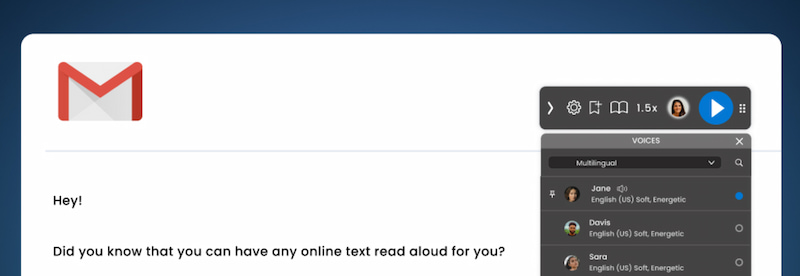
Next on the line is Natural Reader which is best for users who want a simple, reliable reading tool for their productivity. The tool is also compatible with converting text from documents, eBooks, and web pages into clear audio. Unlike other tools, Natural Reader Extension offers customizable voice features, offline reading, and support for multiple formats. Prolly the reasons why many users are using it nowadays.
Pros
- Easy to use interface.
- Offline support available for its users.
- Good clarity of voices and dictions.
Cons
- Limited free voices featured.
- Premium plan needed for using advanced features.
Read Aloud
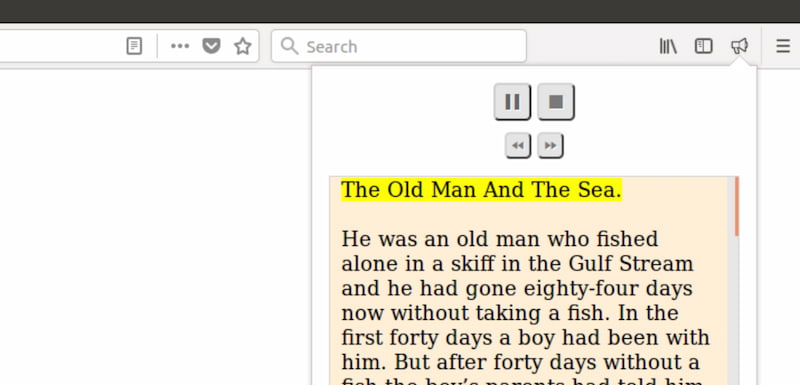
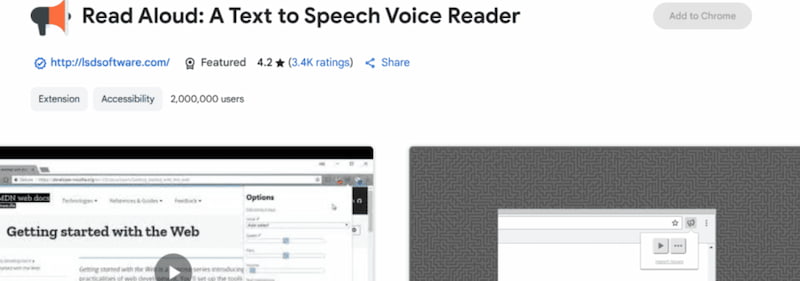
Read Aloud is another fan favorite extension tool because of its free Chrome extension. This tool is recommendable for casual readers. Because it is best for quick access to text-to-speech that supports multiple languages and integrates seamlessly with web pages. Therefore, a clear and easy conversation of any page will be smoother with the Read Aloud tool. Features include adjustable speed, pitch, and voice selection.
Pros
- Free and lightweight extension tool.
- Multilingual support.
- Quick setup in your Chrome and Edge.
Cons
- Static and robotic voices are present.
- Limited customization tools.
- Struggles with complex formatting.
Talkie
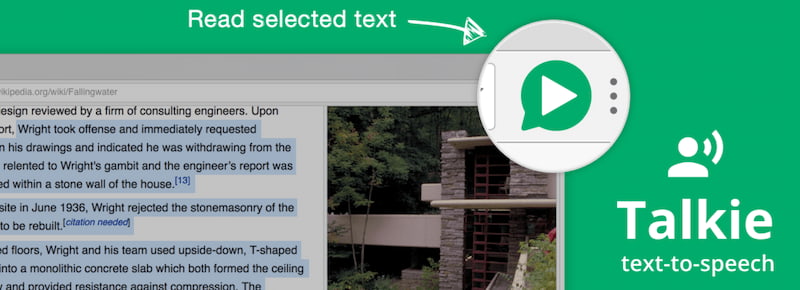
Talkie is another multilingual tool that is suitable for language learners or users. This tool features an easy read for selected text aloud in different languages with customizable voices, tone, and diction. The best thing about this tool is its automatic language detection, offline support, and simple controls.
Pros
- Great for language learners.
- Lightweight and easy setup for your browser.
- Offline support is also available.
Cons
- Limited advanced features.
- Fewer voice options.
- Occasional pronunciation issues.
Capti Voice
Next on the list is Capti Voice. Another tool that is best for students and educators. Because of its ability to offer accessibility-focused features. Basically, it can also read web pages, books, and documents aloud while supporting learning tools like highlighting and annotations. Unlike other tools, Capti Voice focuses on educational material. Features include cloud integration, playlists, and accessibility compliance.
Pros
- Excellent for education.
- Versatile format support.
- Strong accessibility tools.
Cons
- Complex interface.
- Subscription required.
- Voices less natural than competitors.
Polly for Chrome
Polly for Chrome uses Amazon’s advanced text-to-speech engine. Best for developers and professionals, it offers highly realistic voices and broad language support. Features include speech synthesis customization and AWS integration.
Pros
- Extremely natural voices.
- Wide language support.
- Developer-friendly.
Cons
- Requires AWS setup.
- Not beginner-friendly.
- Usage costs can add up.
Snap & Read
Snap & Read is best for students with learning differences, combining text-to-speech with comprehension support. It reads aloud from any webpage or document while simplifying complex language. The tool features include dynamic text leveling, translation, and highlighting.
Pros
- Great for accessibility.
- Supports comprehension tools.
- Versatile functionality.
Cons
- Subscription required.
- Interfaces can feel overwhelming.
- Voices less polished.
Part 3. Comparison of 7 Text to Speech Extensions
| Extension Tools | Best For | Voice Quality | Supported Formats | Languages | Offline Use | Price |
|---|---|---|---|---|---|---|
| Speechify | Students, professionals, and multitaskers | Very natural | Web pages, PDFs, emails | 60+ | No | $20 per month for Premium |
| Natural Reader | Everyday readers and simple use | Clear, decent quality | Documents, eBooks, web pages | Multiple | Yes | $99 per month |
| Read Aloud | Casual readers and quick access | Moderate, robotic at times | Web pages | 40+ | No | Free |
| Talkie | Multilingual users and language learners | Moderate, depends on language pack | Selected text | Multiple | Yes | Free |
| Capti Voice | Students, educators, accessibility | Good but less natural | Web pages, books, documents | Multiple | Limited | Not Public |
| Polly for Chrome | Developers and professionals | Excellent, highly realistic | Web pages, AWS integration | 40+ | No | $4 per 1M characters |
| Snap & Read | Students with learning differences | Moderate and functional | Web pages, documents, PDFs | Multiple | No | $30 per month |
Part 4. How to Choose the Best Text to Speech Extension
In choosing the best tool for a Text to Speech(TTS) extension, you must consider the following factors:
- • Voice Quality & Variety. Choose the extensions with natural, human-like voices and multiple options for tone, speed, and style.
- • Supported Content Formats. You need to check if it reads web pages, PDFs, eBooks, or emails. These are important for versatility.
- • Multilingual Support. It is essential if you need different languages or accents for learning or accessibility.
- • Customization & Controls. Take a look for adjustable speed, pitch, highlighting, and playback controls.
- • Privacy & Offline Use. Offline capability protects privacy and ensures access without the internet.
Part 5. How to Install & Use a Text to Speech Extension
Quick Guide to Install Text to Speech Extension
Step 1. Open your browser’s extension store like Chrome Web Store, Firefox Add-ons, or Edge Add-ons. From there, please search for the text-to-speech extension you want.
Step 3. Now, kindly click Add to Chrome/Firefox/Edge and Confirm installation.
Step 4. Pin the extension to your toolbar for easy access. Finally, highlight text and click the extension icon to start listening.
Hotkeys: Common Shortcuts for Text to Speech Extension
- • Alt + P → Play/Pause the reading instantly without clicking.
- • Alt + O → Stop playback completely.
- • Alt + ↑ / ↓ → Increase or decrease reading speed for comfort.
- • Alt + → / ← → Skip forward or backward through the text.
- • Alt + S → Start reading selected text only.
FAQS on Text to Speech Extension
Q: Is my data safe when I am using text-to-speech?
A: Your data are safe when using offline tools. They really protect privacy in the best way. However, when you are using cloud-based tools, we need to review extension permissions before installing.
Q: Do text-to-speech extensions work on all websites?
A: Most work well on standard sites, but complex layouts, PDFs, or dynamic content may cause occasional reading or formatting issues.
Q: Can I use these extensions offline?
A: Only certain tools like Natural Reader and Talkie support offline use, ensuring privacy and accessibility without internet connection.
Q: Are premium voices worth paying for?
A: Yes, premium voices sound natural and human-like, improving comprehension and engagement compared to robotic free versions.
Q: Do these extensions support multiple languages?
A: Many support multiple languages, but quality varies; Amazon Polly and Speechify offer excellent multilingual accuracy and natural accents.
Conclusion
Therefore we conclude that Text to Speech Extension is very useful to help us be more productive with our study and workload. It makes it easy to comprehend and saves time from reading a lot of information. In line with that, we can see that there are many great tools you can use for that. You only need to choose what’s best for you.
Ethan Carter creates in-depth content, timely news, and practical guides on AI audio, helping readers understand AI audio tools, making them accessible to non-experts. He specializes in reviewing top AI tools, explaining the ethics of AI music, and covering regulations. He uses data-driven insights and analysis, making his work trusted.