Virbo AI Voice Cloning: Full Review and How To Use It
 by Ethan Carter | April 9, 2026 | AI Voice Cloning
Have you ever considered using AI to create a realistic voice for your videos? It appears easy to clone the voice for commercials because AI voice cloning is now getting trending. However, some of its famous technologies like TTS come with high costs. Yet, you still have a great option, thanks to Wondershare Virbo AI Voice Cloning's exceptional voice cleaning feature. Keep reading this post to know its features and how to use Virbo voice cloning with ease. We will also present great alternatives for more options.
Quick Overview
- Virbo AI is an all-in-one web tool for AI videos, avatars, subtitles and voice cloning.
- It supports voice cloning with realistic tone imitation and multiple languages.
- User-friendly interface with ready-made templates for business, education and social media.
- Affordable pricing plans for individuals and small teams.
Part 1. What is Virbo AI Voice Cloning?
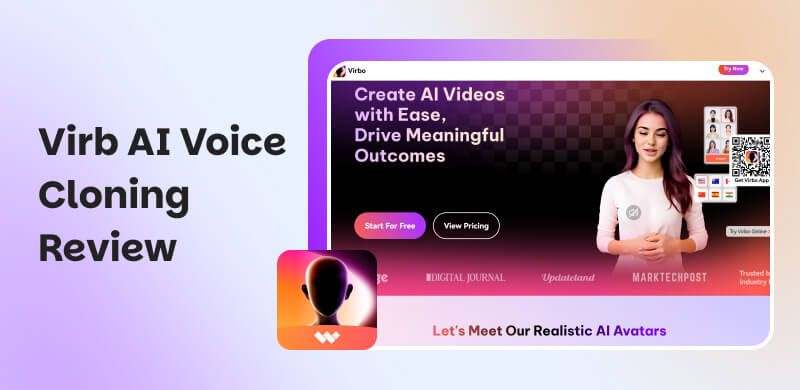
Wondershare Virbo AI is a great web tool that offers an ability to employ artificial intelligence to produce high-quality films, videos, and voice elements. Thus, whether you are a marketer, content producer, or business owner, Virbo makes production easier and improves outcomes with realistic voiceovers, subtitles, and avatars. But more than that, users are really impressed with its sophisticated voice cloning feature. Because it lets you create a personalized digital voice that remarkably accurately imitates tone and style suitable with whatever theme you are working on with your media project.
Moreover, numerous AI voices in various languages and dialects are available for selection, ensuring consistency for consumers worldwide. In addition, Virbo provides AI avatars with multilingual subtitles, natural lip syncing, text-to-speech translation, and pre-made templates that are easy to use for business, education, and social networking. With all of that feature, time, effort, and money are all saved by its user-friendly features. You can discover more of its features once you start using it. For the meantime, here is a quick balanced review using its pros and cons:
Pros
- Easy video creation with AI tools.
- Realistic voice cloning for consistency.
- AI avatars with natural lip syncing.
- Wide range of accents and languages.
- Text-to-speech for written content.
- Ready-made templates for business, education, social media.
- Multilingual captions support.
- Saves time, effort, and cost compared to hiring actors.
Cons
- Voice cloning may lack perfect emotional nuance.
- Limited customization beyond provided templates.
- Avatars can feel less authentic than real presenters.
- May not fully replace professional production quality.
- Dependent on internet connection and platform updates.
Part 2. How to Use Virbo AI Voice Cloning?
As we have already discussed that cloning a voice with the Virbo AI Voice Cloner is easy and requires less effort on your part to make it. Moreover, using this tool will allow you to clone your voice with exceptional sound quality by following a few easy steps. With that, here are a few steps you can do to make it.
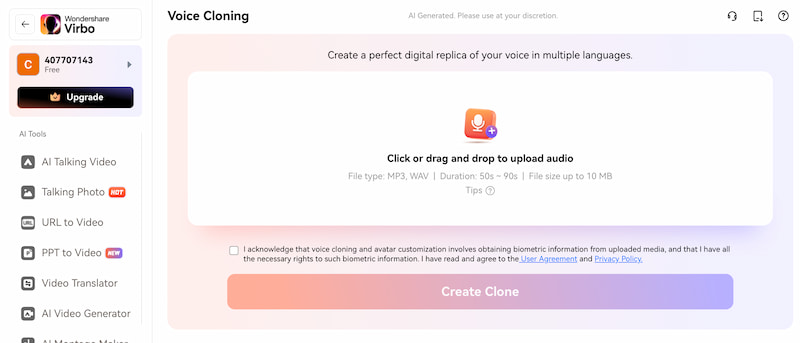
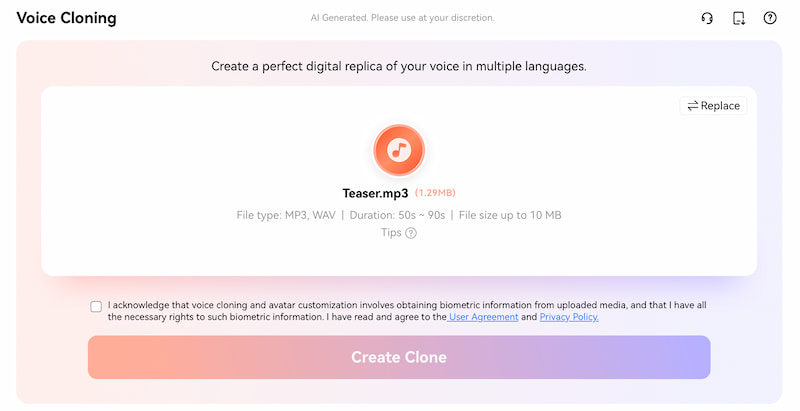
Step 1. First thing we need to do is go to Virbo AI’s official website and access its online version tool. Then, you must now select the Voice Cloning feature from the More AI Tools option after accessing the Virbo's timelines. Once you are there, tap the Experience symbol to open a new window.
Step 2. After you enter the window, you must now click the icon or press the Upload file, then choose the file you want to clone.
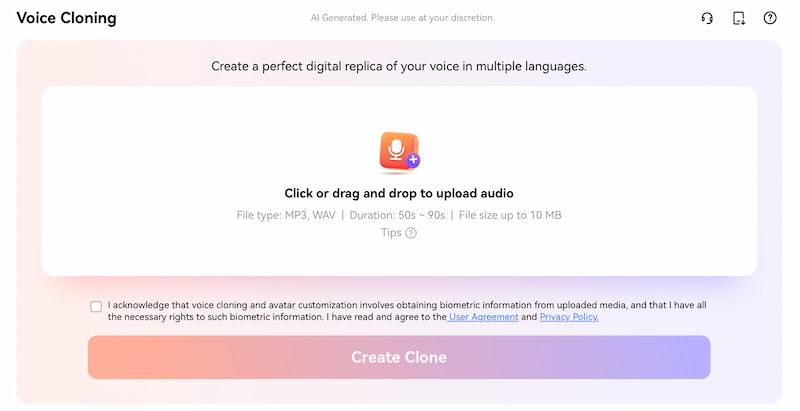
Step 3. Make sure the file is between 50 and 90 seconds long and compatible with WAV and MP3 formats. The voice can then be cloned in a matter of seconds by tapping the Create Clone icon.
Part 3. Virbo AI Voice Cloning Pricing Plans
| Plan | Price per Year | Minutes Included | Voice Slots | AI Cards | Video Limit | Storage | Scripts/Trans |
|---|---|---|---|---|---|---|---|
| Starter | $49.9 | 50 | 2 | 10 | 5 mins | 50 GB | 50 per day |
| Creator | $79.9 | 100 | 4 | 20 | 5 mins | 80 GB | 50 per day |
| Advanced | $199.9 | 300 | 8 | 40 | 20 mins | 100 GB | Unlimited |
Part 4. 5 Best Virbo Alternatives
HeyGen
Price: $24 annually
Rating: 4.5
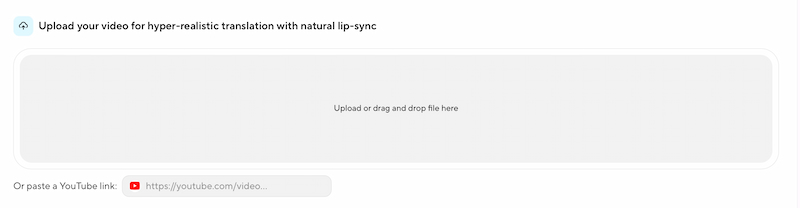
HeyGen has a great ability that is loved by users. It has an ability to generate dynamic AI twins from a video you uploaded. With interactive features for real-time reactions and morally sound synthetic media, it can offer what Virbo can do too and is perfect for customized marketing.
Speechify
Price: $29 per month.
Rating: 3.5
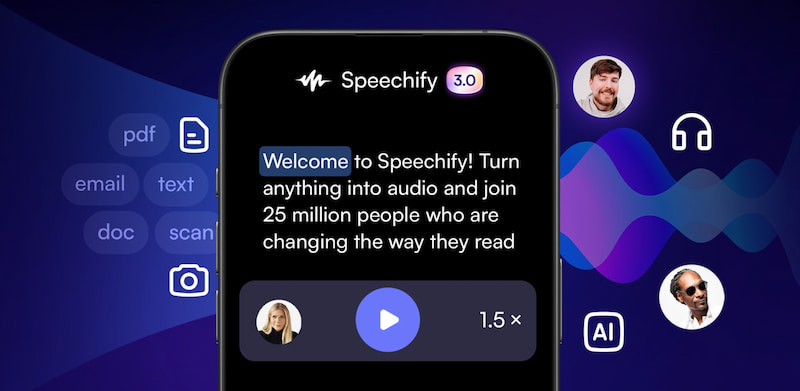
Speechify is the second on the list of Virbo’s alternatives because this tool can transform text into speech that sounds natural in a variety of languages and voices. Additionally, it offers smooth integration with documents and is frequently used for productivity, accessibility, and content production. Good for different fields like marketing and advertising.
Blipcut
Price: $9.99 per month.
Rating: 3.0
Blipcut can make international communication simple by enabling producers to swiftly produce localized content, voiceovers, and multilingual subtitles.
Synthesia
Price: $29 per user.
Rating: 4.0
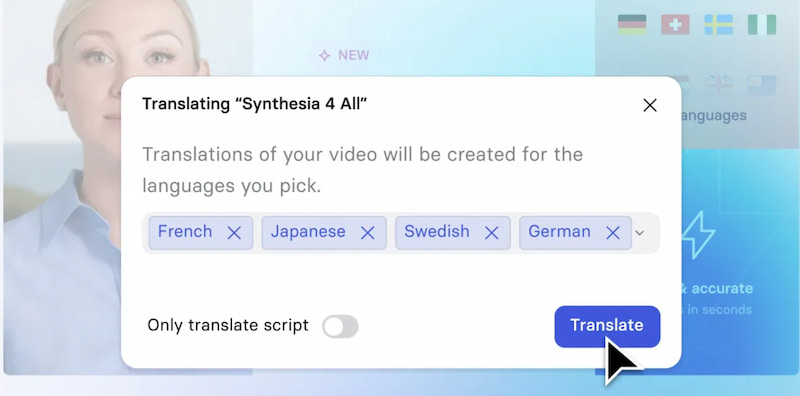
Synthesia has an amazing way of using brief consent films to create personalized AI avatars that are available in a day. These AI will always come with lifelike facial emotions for branding and training. Many users say that it is more sophisticated than Virbo for business videos, it provides more than 120 languages and stock avatars from approved actors.
Voice.ai
Price: $0.25 per minute of the result.
Rating: 4.0
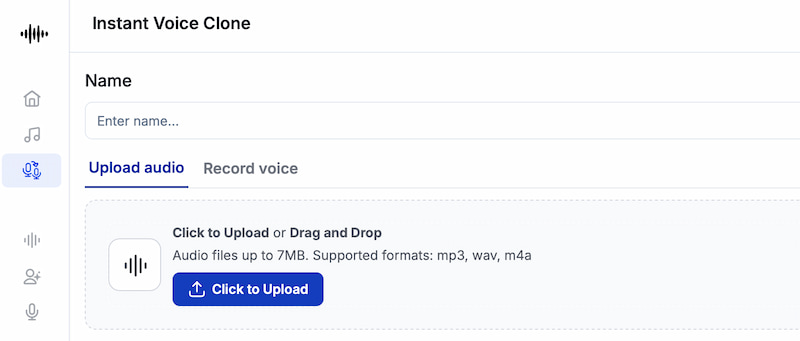
Voice.ai offers voice cloning and transformation in real time. The process will always focus on personalization and originality. In this tool, users can produce distinctive synthetic voices for gaming, streaming, or content creation.
Part 5. Comparison of 6 AI Voice Cloning Software
| Tool | Best For | Voice Quality | Real-Time | Custom Voice | Languages | Security | AI Video Features | Pricing |
|---|---|---|---|---|---|---|---|---|
| Virbo | General AI avatars | Good | Yes | Limited | 20 plus | Standard | Yes | Freemium |
| HeyGen | Marketing videos | High | Yes | Yes | 40 plus | Strong | Yes | $24 per year |
| Speechify | Accessibility | Natural | No | Limited | 30 plus | Good | No | $29 per month |
| Blipcut | Localization | Clear | Yes | Yes | 130 plus | Moderate | Yes | $9.99 per month |
| Synthesia | Business training | Lifelike | No | Yes | 120 plus | Strong | Yes | $29 per user |
| Voice.ai | Gaming/Streaming | Variable | Yes | Yes | Few | Mixed | No | Usage-based |
FAQs on Virbo AI Voice Cloning
Q: Does Virbo have multilingual support?
A: With Virbo's support for more than 20 languages and accents, content producers can create consistently high-quality localized content for audiences around the world.
Q: Is using Virbo safe to use in cloning voice?
A: Yes. Because Virbo AI follows basic security procedures. However, many users advice to always use it carefully. It is crucial in order to avoid cloned voices being misused in delicate situations.
Q: Can professional performers be replaced by Virbo AI?
A: No. Because as we compared an AI voice or tool to professional human actors, AI voices similar to Virbo AI may still lack emotional nuance and authenticity. The only thing we can get from using an AI is a process that can help us in saving time and money.
Conclusion
As we conclude this article, we can now say Virbo AI Voice Cloning tool is a great tool for producing lifelike voiceovers, avatars, and multilingual content. It is perfect for marketers, educators, and producers due to its price, customization, and ease of use. Virbo provides a useful, approachable solution for contemporary video creation, backed by robust alternatives for a range of demands, even though it might not completely replace professional production. Hopefully, this post helps you know what tool is best for you in cloning voice with ease.
Ethan Carter creates in-depth content, timely news, and practical guides on AI audio, helping readers understand AI audio tools, making them accessible to non-experts. He specializes in reviewing top AI tools, explaining the ethics of AI music, and covering regulations. He uses data-driven insights and analysis, making his work trusted.