Leading 8 Speech to Text Software for Android Phones
 by Ethan Carter | April 7, 2026 | Voice AI Tips
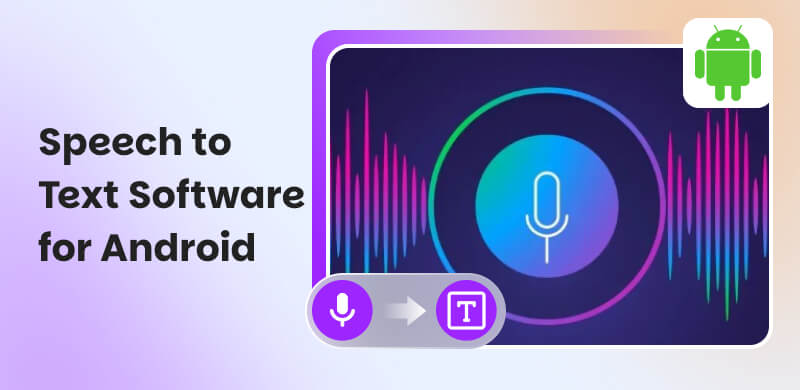
Being a yapper in everyday life sometimes is tiring, especially in social media, everything you want to say requires you to type it. Good thing, a new technology called speech-to-text exists now. This kind of technology helps us save time from typing a lot. All you need to do now is to speak and it will transcribe what you are saying into text. Another good thing is the feature is also available with your Android devices. In line with that, this article exists to introduce you to the best 8 speech-to-text tools. Take a look with their features and see the best option for you. Read now to discover.
How We Test Speech to Text Softwares for Android
Here are three strong criteria we look as we test the application for speech to Text for Android:
Transcription Accuracy. We measured how well the app recognizes words in different environments such as in quiet and noisy places. Also, with varied accents. In addition, we also check its ability for punctuation handling and formatting commands.
Speed and Responsiveness. The team also evaluates how quickly spoken words are converted into text.
Ease of Use and Interface Design. We assess how intuitive and easy to usw the app is for beginners. That is done by looking at layout clarity, accessibility features, and customization options.
Part 1. What is Speech-to-Text Software?
Defining a Speech-to-text or STT software, sometimes referred to as dictation or voice-to-text. This technology uses artificial intelligence and speech recognition to translate spoken words into written text. With the use of this, it enables users to speak rather than type for tasks like taking notes, messaging, and hands-free device control, greatly increasing productivity and accessibility for many users. Modern versions offer great accuracy and sophisticated capabilities like voice commands for formatting. It functions by recording sound vibrations, processing them with algorithms to find patterns, and then producing editable text on a screen.
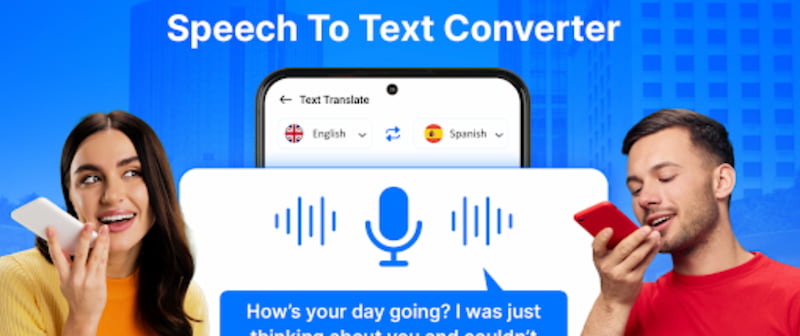
In line with that, Speech-to-Text has common uses, and these are the following:
- • Productivity: Dictating emails, writing documents fast, and transcribing meetings.
- • Accessibility: Helping people with dyslexia or motor impairments write and speak.
- • Hands-free Control: Using voice commands to operate gadgets or navigate apps.
- • Content Creation: Producing lecture notes or video subtitles.
Part 2. Speech to Text on Android: How it Works?
After you read the overview and common uses of the speech-to-text technology, you might be questioning now how it works and how it became possible. Well, as we answer that question, here are some pointers how does it works:
- • Audio Capture: A microphone picks up sound waves from speech.
- • Digital Conversion: An analog-to-digital converter changes these vibrations into digital signals.
- • Pattern Recognition: Machine learning models analyze these signals, using linguistic algorithms to identify words and phrases.
- • Text Output: The recognized words are then displayed as editable text on a device.
Part 3. Top 8 Speech-to-Text Apps for Android
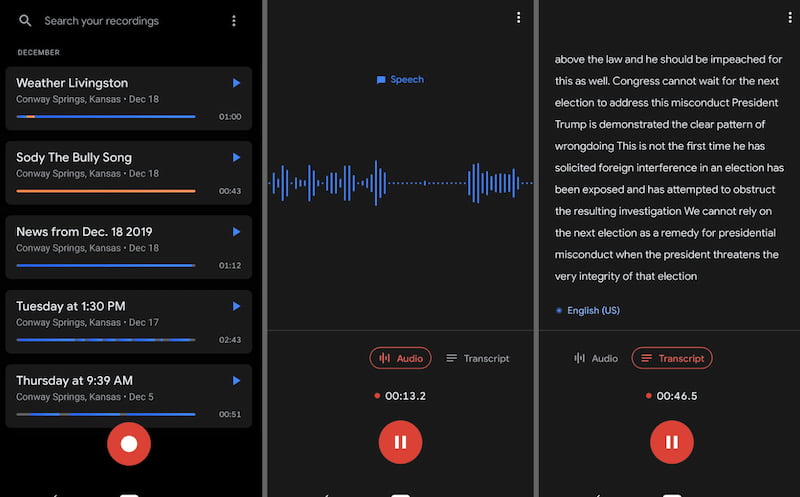
Google Recorder
Best For: People in need of a trustworthy offline transcription tool
One of the greatest freebies available is Google Recorder, which is an integrated utility. When I'm offline, like on flights or metro rides, I constantly utilize it. The transcription is accurate. Very useful.
Subscriptions
- • A free plan is available.
- • Subscription fee is not applicable.
Speechnotes
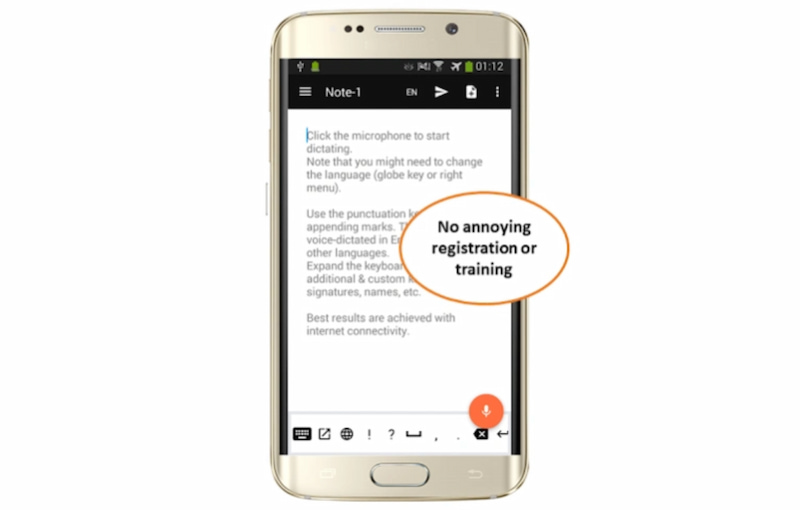
Best For: Extended hands-free dictation and offline use.
Speechnotes' most notable feature is that it continues to listen even when you halt or take a moment to think. It is therefore excellent for continuous transcribing. However, the free edition has inadequate linguistic support and advertisements. The user experience will be quite poor if you do not speak English.
Subscription
- • No free plan
- • Dictation is a paid service that costs $1.9 per month.
- • $0.1 per minute for transcription
Live Transcribe
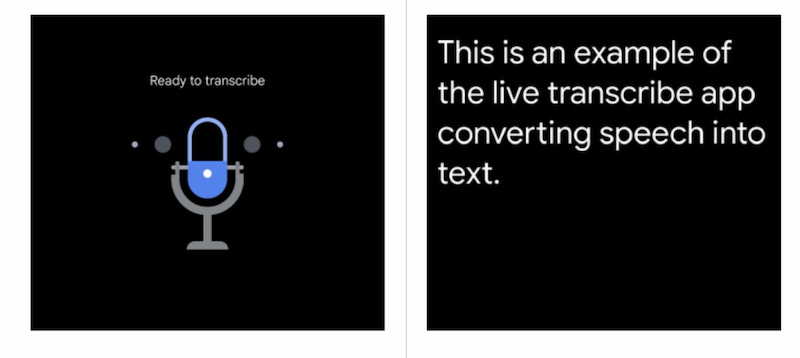
Best For: Real-time transcription and accessibility support, especially for people who are deaf or hard of hearing.
Google Live Transcribe is a Google-developed app designed to convert spoken language into text instantly. It supports over 70 languages and dialects and works well in everyday conversations, lectures, meetings, and public announcements. What makes it special is its accessibility-focused features, such as sound event notifications like doorbells, alarms, or baby crying and large, easy-to-read text. It requires an internet connection, but the transcription accuracy is impressive and updates in real time, making it perfect for live communication.
Subscriptions
- • Completely free.
- • No subscription fee required.
Otter.ai
Best For: Collaborative elements in meeting notes.
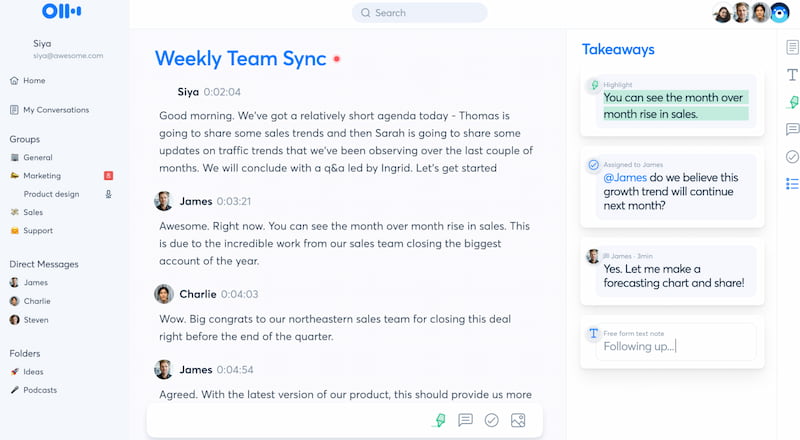
Users are using Otter.ai for interviews and team meetings because it can provide you with a synopsis of what was said and distinguishes speakers. The app relies on its AI-generated summaries and real-time transcripts to rapidly understand important points, and the ability to highlight and add comments greatly expedites my process.
Subscriptions
- • Free plan: Import and transcribe three audio or video files per user for a lifetime; 30 minutes per discussion; 300 transcription minutes per month
- • Monthly Subscription Fee: 8.33 USD
Notta
Best For: Translation and transcription for multilingual gatherings
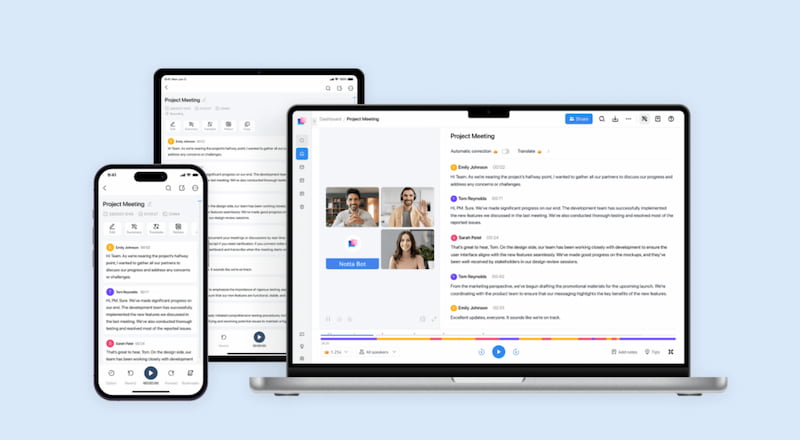
When it comes to bilingual transcription and cross-platform connectivity, Notta has several exceptional features. It is possible to have a bilingual conference and obtain a side-by-side transcription in both languages. It saves me a ton of time, and I really appreciate how smoothly it functions across devices.
Subscriptions
- • Free Plan: 120 transcribing minutes per month. Three times a day.
- • Subscription fee: Starting at 8.17 USD per month
Rev
Best For: accurate transcribing services and safe recording for attorneys
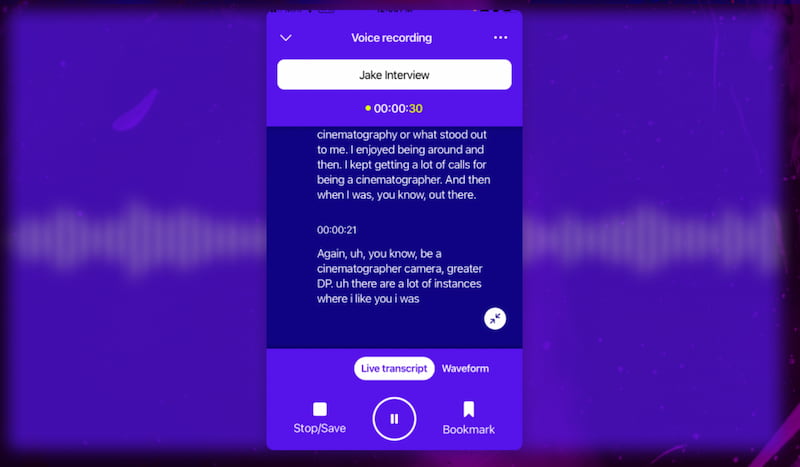
Delivering extremely accurate transcriptions, safe audio processing, and adherence to industry standards are the main priorities of Rev. With the extra benefit of intelligent AI-generated summaries, Rev is an excellent option if you're working on legal or professional tasks that require accuracy and secrecy.
Subscription
- • No free plan.
- • Basic subscription costs $9.99 per user per month.
- • Pro costs $20.99 per user per month.
Speechtexter
Best For: Simple, fast dictation with multilingual support and offline functionality.
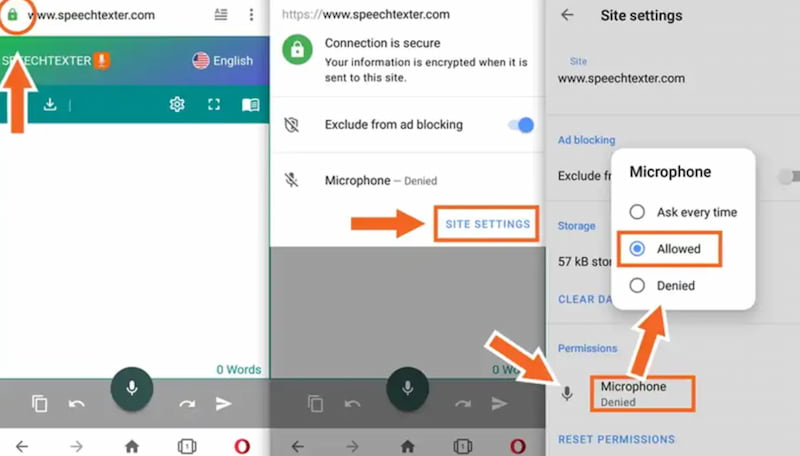
Speechtexter is a lightweight voice-to-text application that focuses on simplicity and efficiency. It supports more than 60 languages and works both online and offline, which is great for users who don’t always have a stable internet connection. The interface is minimal, making it easy for quick notes, short documents, or casual dictation. However, its transcription accuracy is slightly lower than premium tools, and it lacks advanced features like speaker identification or summaries.
Subscriptions
- • Free plan available.
- • No mandatory subscription.
- • Ads may appear in the free version.
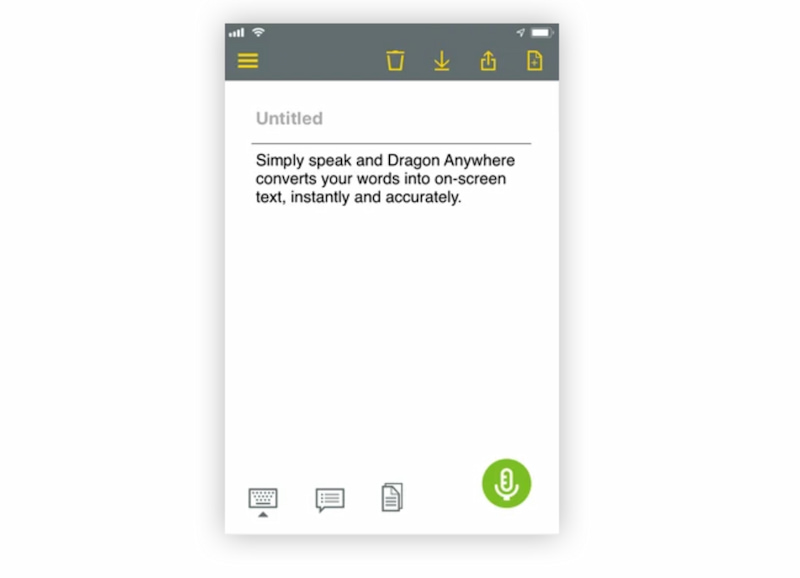
Dragon Anywhere
Best For: Professional-grade dictation and high-accuracy transcription for long-form content.
Dragon Anywhere is a premium dictation app known for its industry-leading accuracy. It is widely used by professionals such as writers, doctors, lawyers, and journalists who need reliable and fast transcription. The app adapts to your voice over time, improving accuracy with continuous use. It also allows custom vocabulary, formatting commands, and document editing through voice. However, it requires an internet connection and is one of the most expensive voice-to-text apps available.
Subscriptions
- • No free plan.
- • Monthly subscription: Approximately $15 USD per month.
- • Annual plans are usually cheaper per month.
Part 4. Comparison with 8 Speech-to-Text Software for Android
| App | Accuracy | Best For | Offline Mode | Languages | Pricing |
|---|---|---|---|---|---|
| Google Recorder | High | Reliable offline transcription | Available | Limited | Free |
| Speechnotes | Medium | Long dictation | Limited | Medium | Free and $1.9 per month |
| Live Transcribe | High | Accessibility & real-time | Not Available | More than 70 | Free |
| Otter.ai | High | Meetings & collaboration | Not Available | More than 30 | Free and $8.33 |
| Notta | High | Translation & bilingual | Partial | More than 100 | Free and $8.17 |
| Rev | Very High | Professional or legal accuracy | Not Available | Multiple | $9.99 to $20.99 |
| Speechtexter | Medium | Quick dictation | Available | More than 60 | Free |
| Dragon Anywhere | Very High | Pro dictation | Not Available | Only 20 | $15 per month |
Part 5. How to Pick a Best Speech-to-Text Application for Android
Your needs, including accuracy, language support, privacy, and convenience of use, will determine which speech-to-text app is best for you. To select an app that works with your workflow, concentrate on the things that are most important for your duties, such as dictation, meetings, or offline use.
High Accuracy
Seek out programs that have demonstrated a high level of transcription accuracy, particularly in loud settings or with a variety of accents. Increased precision increases dependability and reduces editing time. For consistently superior results, try apps with AI-enhanced engines or ones that gradually learn your speech.
Various Languages
If you need translation or speak more than one language, use an app that is proficient in those languages. Greater language coverage is beneficial for international communication, multicultural employment, and travel. Ensure that regional differences and dialects are acknowledged as well.
Privacy and Security
Examine how your data is handled by apps. Give top priority to technologies that provide robust encryption, transparent privacy policies, and choices for on-device processing. When choosing an app to trust for professional or confidential communications, data privacy should be a major consideration.
FAQs on Android Voice to Text
Q: Is Android voice-to-text accurate?
A: Yes, most modern apps are highly accurate, especially in quiet environments. Accuracy improves with clear speech, good microphones, and stable internet connections.
Q: Can I use voice-to-text without the internet?
A: Some apps like Google Recorder and Speechtexter support offline transcription, but many advanced features still require an internet connection.
Q: Are voice-to-text apps safe to use?
A: It depends on the app. Choose ones with strong privacy policies, encryption, and transparent data handling, especially for sensitive or professional use.
Conclusion
Voice-to-text software has transformed how Android users capture ideas, meetings, and conversations with speed and convenience. From understanding how speech recognition works to exploring the best apps available, it is clear that each tool serves different needs. Some focus on offline reliability, others on professional accuracy, multilingual support, or collaboration. By comparing features and knowing what to prioritize, such as accuracy, language support, security, and usability, you can confidently choose the right app. The best speech-to-text application is ultimately the one that fits your daily workflow and communication style.
Ethan Carter creates in-depth content, timely news, and practical guides on AI audio, helping readers understand AI audio tools, making them accessible to non-experts. He specializes in reviewing top AI tools, explaining the ethics of AI music, and covering regulations. He uses data-driven insights and analysis, making his work trusted.