Maestra AI Review: Find Out How Accurate & Reliable It Is
In today’s digital world, transcribing and localizing audio and video content efficiently has become essential. That’s why we wrote this Maestra AI review: to provide you with a clear, honest, and detailed look at what this AI platform has to offer. Maestra AI is a full-featured tool designed to handle audio-to-text transcription, video dubbing, subtitle generation, translation, and real-time captioning. Its AI-powered technology promises speed, accuracy, and convenience. This makes it an attractive option for those who want to produce professional-quality content. This post will cover everything you need to know about Maestra AI. We will explore its core features, show you how it works, break down its pricing plans, and discuss the pros and cons. Our aim is to provide a comprehensive, informative, and actionable guide so that by the end, you will understand whether Maestra AI fits your needs.
Part 1. Core Features of Maestra AI
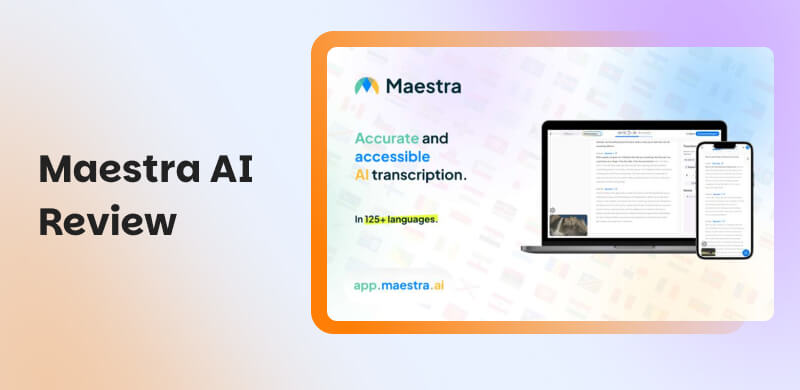
Maestra AI is an automated transcription, captioning, and voiceover platform powered by AI. It can transcribe, caption, dub, and translate audio or video content to more than 125 languages. It is commonly used for transcribing audio and video into text, generating subtitles, and dubbing content, among other applications. It simplifies multimedia localization, making it easier to reach global audiences without needing manual transcription.
Video Dubber
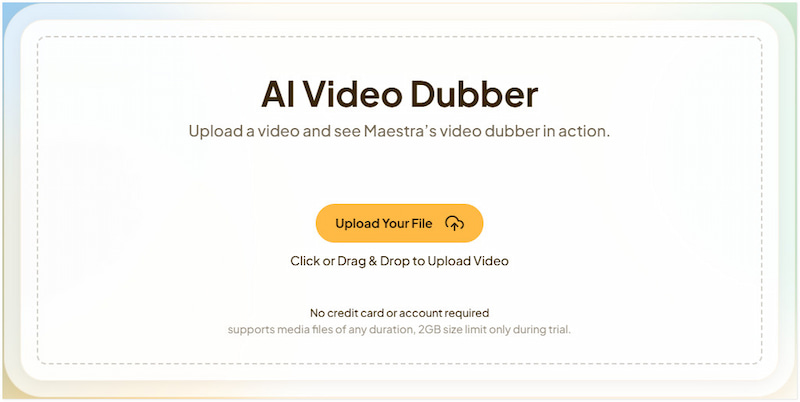
Maestra’s Video Dubber lets you upload a video and generate a dubbed version in another language. It supports over 125 languages, meaning you can localize your content using AI-synthesized voices. Additionally, it offers voice cloning, allowing you to recreate your own voice in up to 29 different languages.
Video to Text Converter
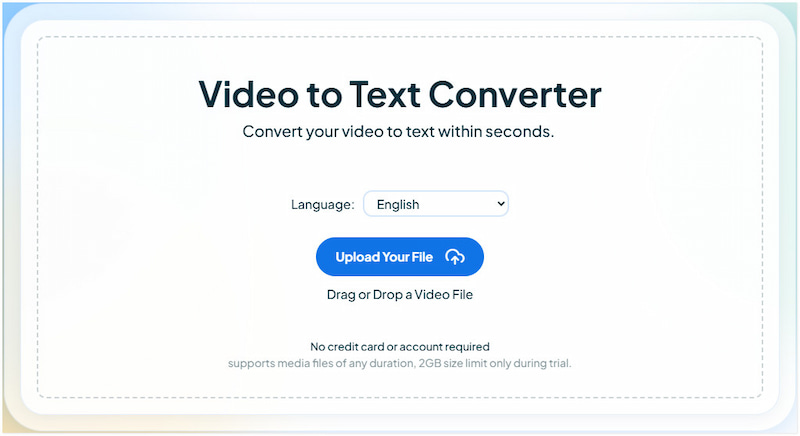
Maestra AI Video to Text Converter allows you to transcribe spoken video content from over 125 languages into text. The transcript can then be exported to formats like TXT, PDF, or DOCX. Beyond just a transcript, you can also extract keywords, generate summaries, build chapter markers, etc.
Video Translator
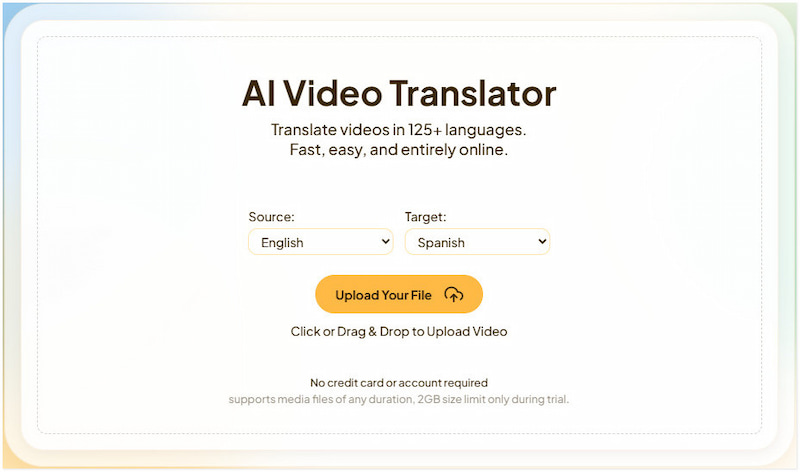
The Video Translator combines several AI features for full localization. It automatically transcribes the original audio, translates the text, and generates voiceovers using realistic AI voices. You also gain access to voice cloning, which enables you to recreate your voice in translated audio, available in up to 29 languages.
Audio to Text Converter
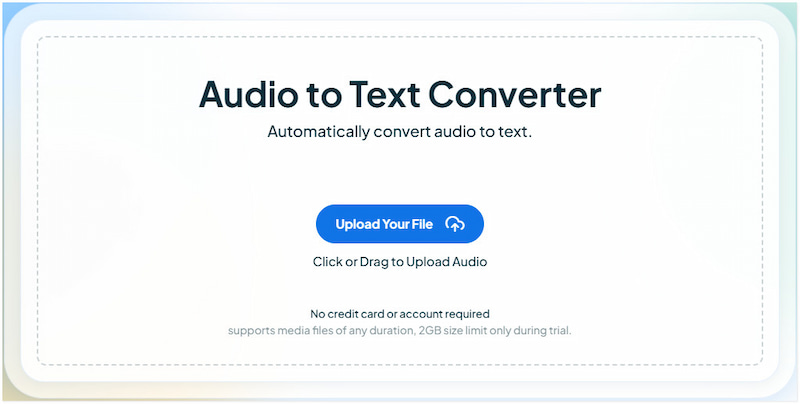
Maestra AI Audio to Text Converter is very similar to video-to-text, but optimized for audio files. Simply upload or use live audio in any of the 125+ supported languages, and Maestra transcribes it. Once transcribed, you can proofread and edit the text, then export in DOCX, TXT, or PDF. Additionally, Maestra’s tool offers advanced features.
Need audio for your Audio to Text Converter? You'll surely find everything you need on YouTube. Just don’t forget to use YouTube Music Downloader to get one.
Auto Subtitle Generator
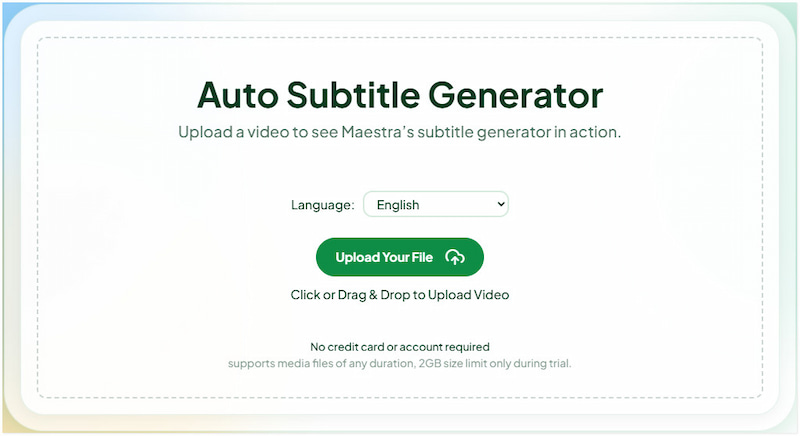
Maestra’s Auto Subtitle Generator automatically produces accurate, time-synced subtitles for your videos. With it, you can customize the style of subtitles, modify timing, and adjust the confidence meter to see which parts might need manual correction. After editing, you can export your subtitles in various formats, including SRT, VTT, CAP, and TXT, among others.
Part 2. How to Use Maestra AI (Step-by-Step Guide)
With so many features inside Maestra, this section will focus on the Audio-to-Text Converter. This feature allows you to turn spoken audio into editable text in over 125 languages. It’s perfect for anyone who needs fast, reliable transcription without manual typing. For our demonstration, we will be using Spotify podcasts as the input source.
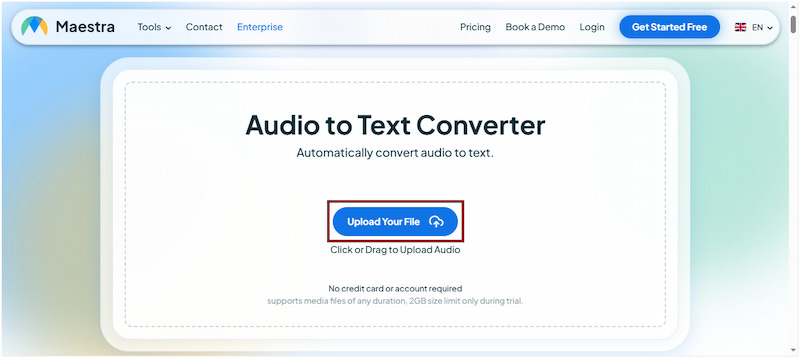
Step 1. Start by navigating to the official Maestra’s Audio to Text Converter homepage. Click the Upload Your File button to import the Spotify podcasts/audio you want to convert into text. Once added, click the Open in App button to begin the transcription process.
Tips
- Maestra also lets you transcribe live audio. Just allow microphone access and choose your preferred language to activate Maestra AI live transcription. This will let the tool convert speech to text in real-time.
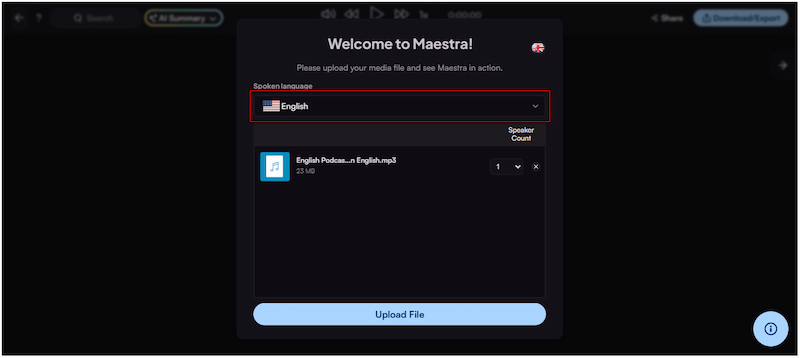
Step 2. Select the language of the spoken audio from the Spoken Language selector. Click the Upload File button to allow Maestra to transcribe the audio. Wait until the transcription finishes; processing time depends on the length and size of your audio.
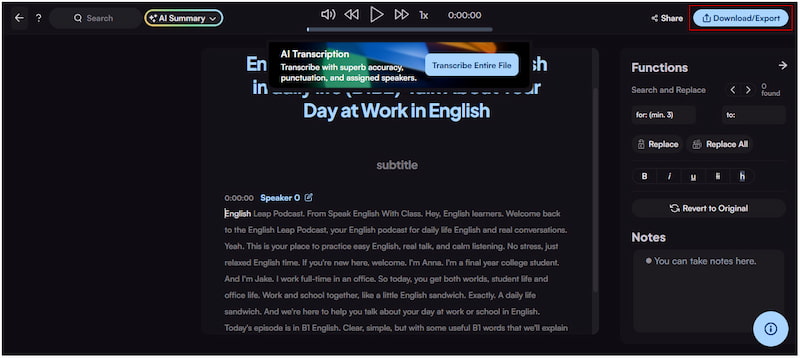
Step 3. When the transcription is complete, you’ll enter Maestra’s built-in editor. Here, you can correct any misheard words manually, adjust timestamps, highlight important sections, etc. Once you’re satisfied, click Download/Export and select your preferred format.
Important Note: Before transcribing a podcast using Maestra, ensure that you convert your Spotify podcast to MP3 or another supported audio format to ensure a smooth, error-free upload.
The Audio to Text Converter feature delivers quick transcription results with strong accuracy, even for long recordings. Beyond transcription, the tool provides summaries, keyword extraction, chapter creation, and additional features. However, like most AI transcription tools, it struggles with background noise, overlapping conversations, or poor microphone quality.
Part 3. Pricing Plans of Maestra AI
Maestra AI's pricing plans are flexible and tailored to different use cases. It depends on which feature you need: transcription, subtitle generation, voice-over, or real-time captioning/translation. It allows you to pay based on how much you use each tool via credits or by subscribing monthly/annually. Here’s a quick table for the Transcription pricing plan:
| Maestra Transcription Pricing |
| Lite | Basic | Premium | Enterprise |
| $12/60 credits | $12/mo | $49/mo | $99/mo | Contact sales |
| Transcription in 125+ languages (60 mins/mo) | Transcription in 125+ languages (180 mins/mo) | Transcription in 125+ languages (360 mins/mo) AI summary Custom dictionary MaestraCloud file sharing | Transcription in 125+ languages (900 mins/mo) Everything in Basic, plus: Maestra Teams and centralized billing 1 additional team member API access Priority support | |
Part 4. Pros/Cons of Maestra AI
Understanding the advantages of Maestra helps you recognize what makes it an efficient tool. Knowing its strengths lets you leverage Maestra effectively. On the other hand, being aware of its disadvantages helps you anticipate potential limitations, allowing you to plan accordingly.
Reason to Use:
• It supports real-time integration for live captioning or translation.
• It supports 125+ languages, making it useful for global content creation.
• It provides automated transcription, dubbing, subtitles, and real-time captions.
• It enables team members to collaborate, share files, and edit content in real-time.
• It allows you to generate voiceovers in various languages while maintaining a consistent voice identity.
Reason to Skip:
• It has a long upload time for large files.
• It has limited customisation for voiceovers.
• It requires a stable internet connection to operate.
• Its AI voiceovers may sound robotic or unnatural, depending on the language.
• Its accuracy can suffer with heavy accents, noisy audio, and other similar conditions.
Part 5. 3 Alternatives to Maestra AI
Otter AI
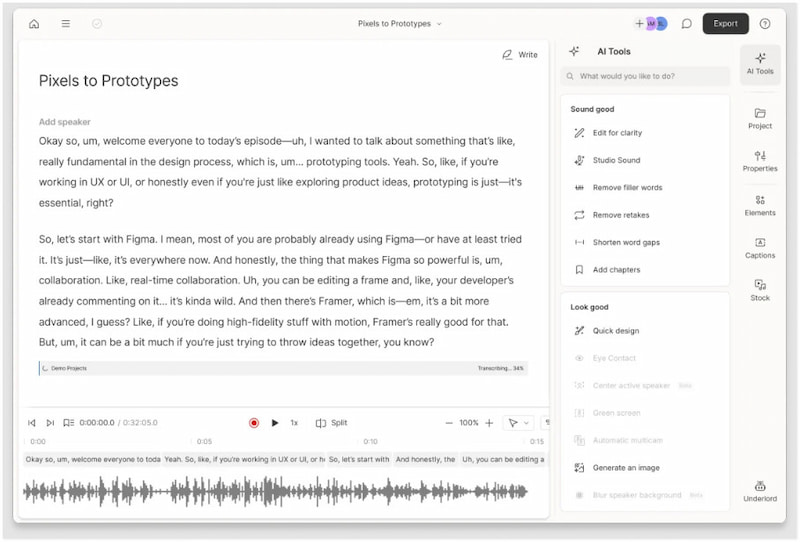
Otter AI is an AI-powered transcription and note-taking tool you can access online. It is designed for meetings, interviews, lectures, and collaborative work. It can capture spoken conversations as they happen and present a live transcript. It intelligently identifies and labels different speakers, making the transcript more readable.
Reason to Use:
• It works well with Zoom, Google Meet, and Microsoft Teams.
• It can label different speakers, making transcripts easier to follow.
• It can generate concise summaries and action items from longer transcripts.
Reason to Skip:
• Its transcription quality can drop with heavy accents.
• It’s mainly optimized for English, which limits its use for multilingual teams.
Rask AI
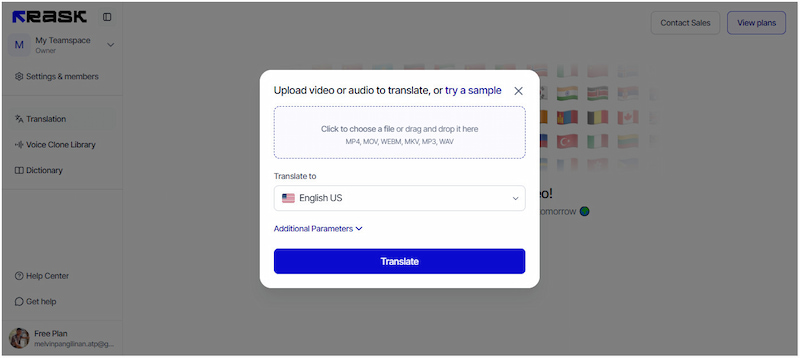
Rask AI is a powerful alternative if your focus is on video localization, translation, and dubbing. It combines automated speech-to-text, translation, and AI voiceovers in a single workflow. With its voice cloning, you can clone the original speaker’s voice so that the translated version retains the same voice character. This makes your dubbed content feel more natural.
Reason to Use:
• It supports translation into 130+ languages.
• It offers translation, dubbing, and voice cloning.
• It works best for videos, interviews, or dialogues.
Reason to Skip:
• Its voice cloning cannot handle complex languages well.
• It reduces the quality of both translation and dubbed voice.
Notta AI
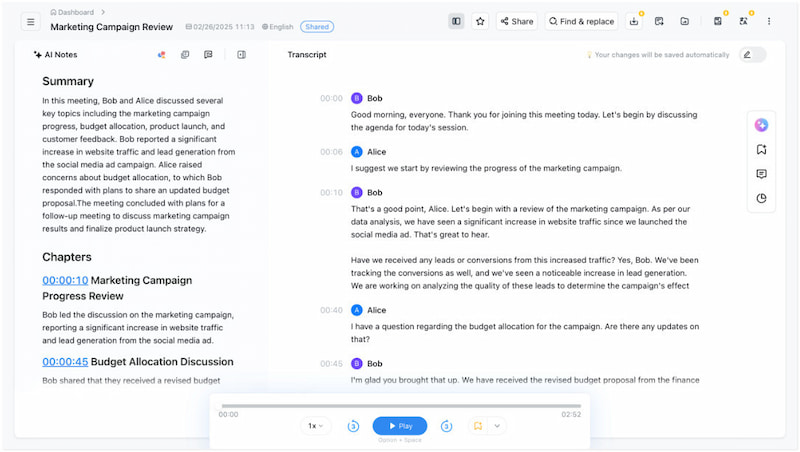
Notta AI is another strong choice, particularly for transcription, translation, and live captioning. It supports real-time transcription of meetings, allowing you to convert speech to text as the conversation unfolds. It also offers automatic translation, enabling you to generate transcripts in over 50 languages. This is very useful for multilingual teams or global audiences.
Reason to Use:
• It supports live transcription during meetings.
• It has strong accuracy, especially for clear audio.
• It can handle MP3, WAV, M4A, MP4, MOV and other formats.
Reason to Skip:
• Its advanced features require paid plans.
• It does not consider punctuation, capitalization, etc.
Part 6. FAQs about Maestra AI
Q: Is Maestra AI free?
A: No, it is a subscription-based platform. However, it offers a free trial, allowing you to try uploading and transcribing audio. For advanced features, a credit or subscription plan is required.
Q: How accurate is Maestra AI?
A: Maestra’s transcription technology is quite accurate for many standard audio use‑cases. Just be sure your audio has clear recordings, good quality, and a moderate speaking speed.
Q: What is the best AI to convert audio to text?
A: It depends on your needs. Use Maestra if you require robust multilingual support, transcription, dubbing, and more. If you mostly transcribe meetings or interviews, Otter.ai is a very solid choice.
Conclusion
That wraps up our comprehensive review of Maestra AI. Overall, Maestra AI is a powerful platform for automating transcription, video dubbing, subtitle generation, translation, and real-time captioning. Maestra is definitely worth considering if you need a comprehensive AI solution for transcription and processing of video/audio content. However, accuracy can sometimes drop with noisy audio and overlapping speakers. While it isn’t perfect and requires some investment, its time-saving capabilities make it a valuable tool for professionals and teams.
Ethan Carter
Ethan Carter creates in-depth content, timely news, and practical guides on AI audio, helping readers understand AI audio tools, making them accessible to non-experts. He specializes in reviewing top AI tools, explaining the ethics of AI music, and covering regulations. He uses data-driven insights and analysis, making his work trusted.


 by
by