In-depth Understanding of Speech-to-Text Technology
Have you previously transcribed a long interview? It is exhausting, right, especially when you manually type every word that the speaker utters. Good thing, a great technology called the Speech-to-text technology is now here to help. Speech-to-text is useful in some situations, such as dictating during meetings, transcribing significant interviews, and much more. In line with that, this blog will discuss the important key points of speech-to-text, its advantages, its uses, and its prospects, and provide a guide on how you choose the best tool for this feature. Without further ado, let us now start this article post for you to learn.
1. What is Speech To Text
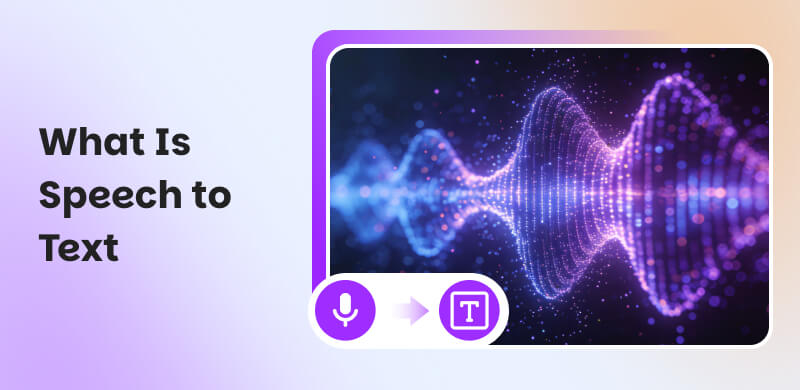
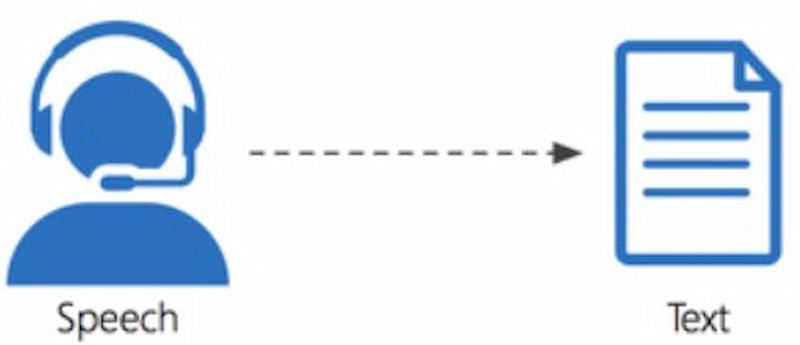
As we define Speech-to-text with ease, it is a technology that can help us convert spoken words to written text. This is possible because it utilizes Automatic Speech Recognition or ASR in conjunction with Artificial Intelligence. These two technologies help to interpret audio signals and transcribe them into an editable text with ease. In addition, this technology is indeed a valuable aid in enabling hands-free typing, accessibility features for devices, and automated captioning.
2. How Does Speech-to-Text Work
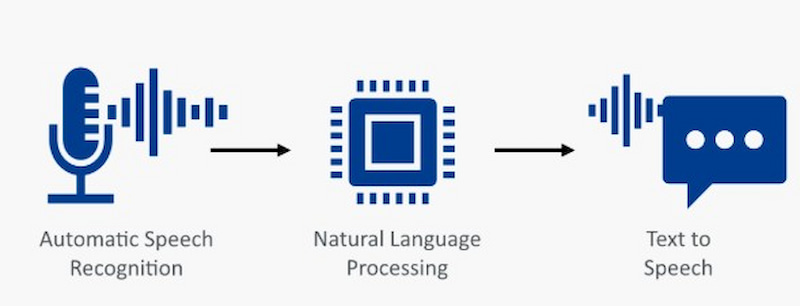
Speech-to-text or STT enables humans to communicate with machines by converting spoken language into text. The process begins when a device captures speech and filters out background noise to focus on the speaker’s voice. Basically, it does this by recording sound waves, turning them into digital data, using machine learning to recognize language patterns, and then matching those patterns to words and punctuation.
After that, machine learning models then analyze the audio, breaking it into phonetic elements, mapping them to words, and applying natural language processing to understand context. STT can operate in real time for live interactions or in batch mode for recorded content, with platforms integrating both for efficiency.
3. Speech-to-Text Uses
The technology of Speech-to-Text has many different users nowadays.
Monitoring Content
Content monitoring is the most popular application of voice recognition. When a platform is too large for human moderators to manage, algorithms take over. And that's only made possible by speech-to-text technology, which allows machines to treat audiovisual content as text.
Dictate to Take Note
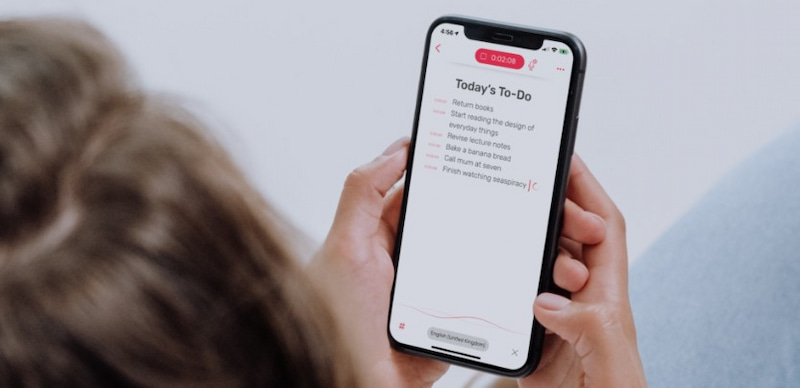
The most popular application of speech-to-text is used for taking notes by means of dictation, which shifts the focus from content platforms to content creators. It is also the easiest to use. People can now take notes verbally rather than by typing or writing them down.
Transcription
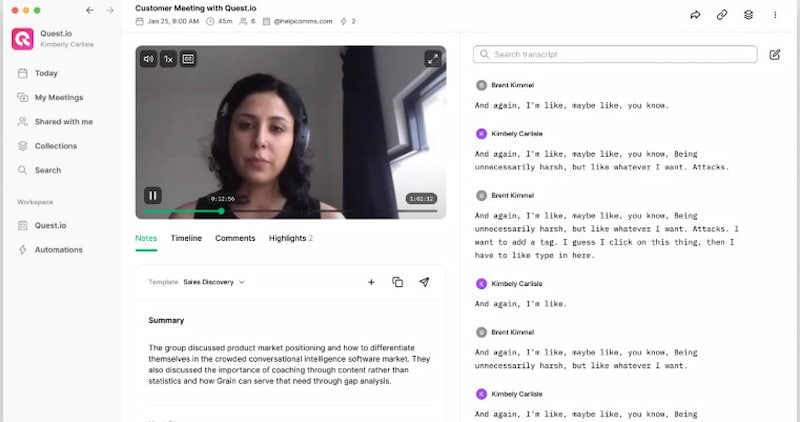
The market for transcribing services is currently being disrupted by automatic speech recognition and general speech-to-text technology. Human transcribers are becoming editors who highlight errors as machines get more adept at translating speech to text.
4. Advantages of Speech to Text
Speech-to-text technology offers practical benefits that enhance productivity, accessibility, and learning by transforming spoken words into usable written content.
- • Multitasking. By enabling hands-free operation, multitasking allows users to dictate while carrying out other chores, such as cooking or driving.
- • For Disabilities. Enables computer interaction without a keyboard or mouse, offering a crucial option for people with physical disabilities (mobility difficulties, repeated strain) or visual impairments.
- • Literacy Support. Translates spoken words into text to assist users who are learning a new language or have poor literacy levels.
5. Limits of Speech to Text
Although technology has successfully replaced human labor in some areas, such as speech-to-text conversion, it is still not flawless. This technology is unable to reach its full potential due to a number of constraints. The most important of these is the possibility of error.
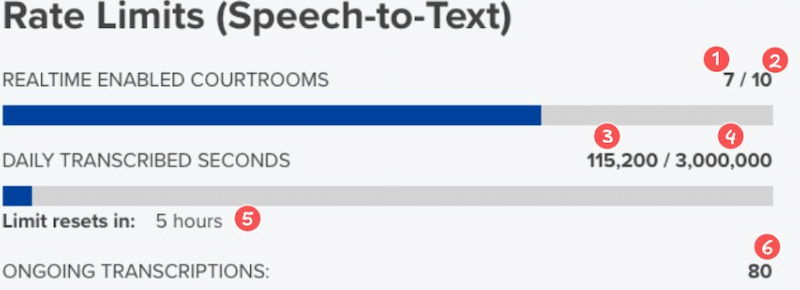
- • Errors in Voice Recognition. Errors are inevitable with any AI-powered system. Although voice recognition technology has advanced significantly, its accuracy is still far from perfect. For this reason, AI-generated transcripts must be verified by humans.
- • Library Restrictions. The speed at which our language is changing is a major issue for most print dictionaries as well as many speech-to-text applications. From yes to dank and fam to finna, new terms are constantly being added to the social media realm.
- • Accents Issue. Accent identification is one of the main obstacles preventing AI speech-to-text technology from surpassing human note-takers. The majority of voice recognition algorithms are trained on American accents, which makes it more difficult for people from Eastern Europe, Asia, and even Britain to use their advantages.
6. Applications of Speech to Text
There are many users of Speech-to-text technology nowadays. Most of the time, it is used to help users with their business tasks. For that, let us examine some of the applications that speech-to-text software is currently being used for.
Otter.AI
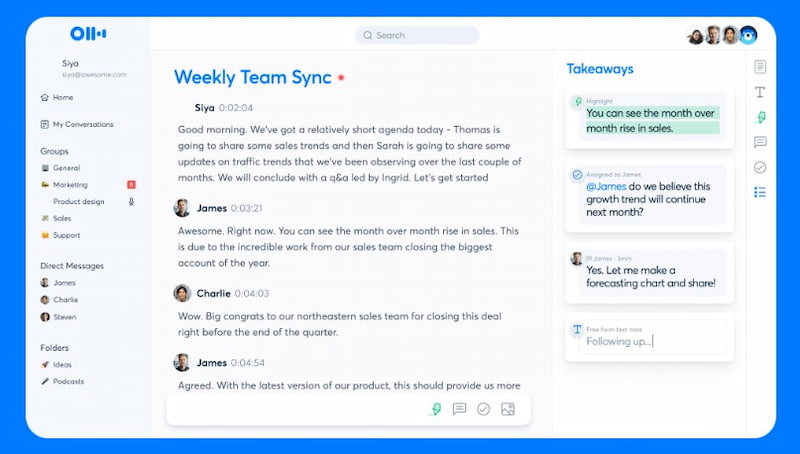
Meeting minutes and notes have always been recorded using speech-to-text. Otter.ai leads the market in that regard. You can record your notes using the speaker on your phone with this incredibly accurate and user-friendly platform. There is a free version that is restricted by the length of the recording.
AI Whisper
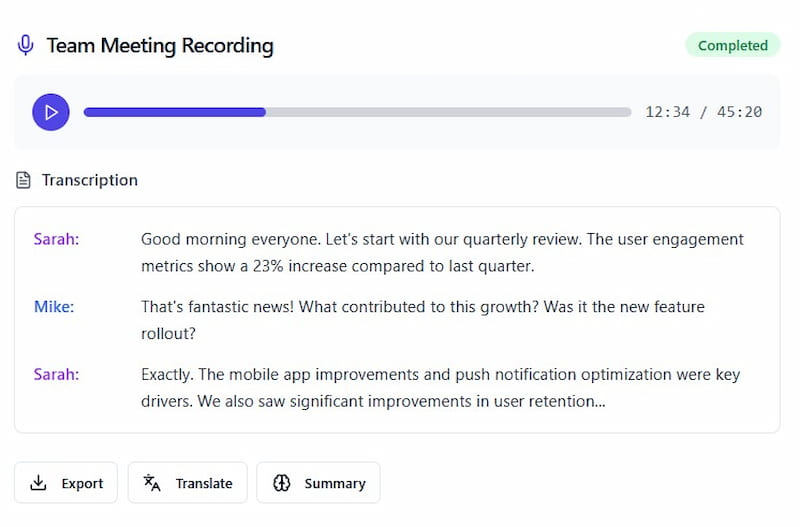
You might want to view text transcripts of hours of content for a variety of purposes, such as making podcast timestamps or commentary films. However, the amount of content you may transcribe is limited by almost all speech-to-text services. And that brings us to the primary issue which is viability.
ContentFries
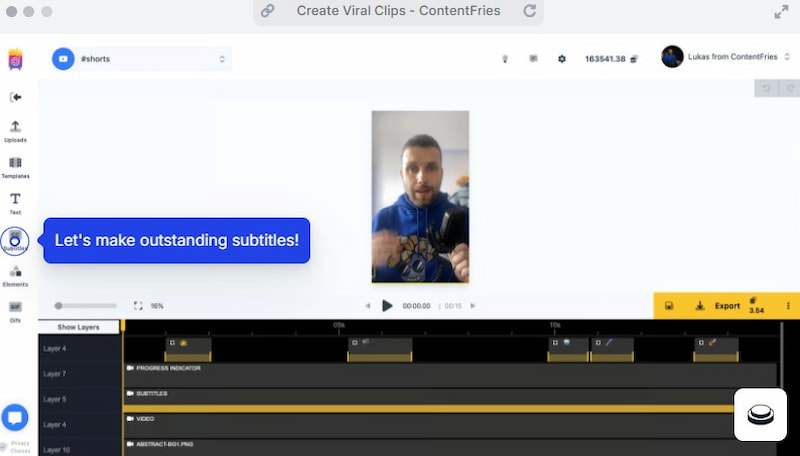
This might sound like a self-serving suggestion because it is, but it is also a creator-serving one. ContentFries can be used to caption your content so it is more engaging and has a better chance of going viral. Because ContentFries' content repurposing technology revolves around accurate transcription, the company is incentivized to constantly improve its speech-to-text accuracy.
7. How to Choose the Best Speech-to-Text Software
When you’re about to choose the best option of speech-to-text software for you, you might consider these factors. But overall tip, you must test the specific tool on your own.
Precision and Language Assistance
Select software that can handle technical or industry-specific vocabulary pertinent to your everyday communication needs, has good accent detection, multilingual capabilities, and high transcribing accuracy.
Features and Usability
To ensure seamless workflow integration without requiring sophisticated technical abilities, look for user-friendly solutions that include real-time transcription, punctuation, speaker recognition, editing options, and simple exporting.
Cost and Compatibility
Examine device compatibility, free trials, and pricing schemes. Make sure the product is cross-platform, grows with usage, and offers value without needless restrictions or hidden fees.
FAQs about What Is Speech to Text
How can speech-to-text accuracy be increased?
Accuracy adjustment in Google's Cloud Speech-to-Text API can be accomplished by selecting the best recognition model and utilizing our Speech Adaptation API, which provides a wide range of models designed for various use cases, like long-form audio, medical, or phone calls.
Which students would benefit from a speech-to-text?
Students with dyslexia or other recognized learning difficulties, including ADHD, stand to gain the most from TTS since it enables them to see how words are spelled by reading them aloud.
Is good dictation important for Speech-to-Text?
Indeed, accurate and effective speech-to-text translation depends heavily on competent dictation. Even while speech recognition technology has come a long way, the quality of your speech has a big impact on the final text, which minimizes the need for lengthy editing.
Conclusion
Speech-to-text technology saves time and increases accessibility in a variety of sectors by converting spoken words into precise, editable text. Despite drawbacks like accents and mistakes, its advantages are evident in everything from dictation and transcription to content monitoring. Users can optimize productivity, efficiency, and communication in daily chores for contemporary digital workflows by comprehending how it operates and carefully selecting the appropriate software.
Ethan Carter
Ethan Carter creates in-depth content, timely news, and practical guides on AI audio, helping readers understand AI audio tools, making them accessible to non-experts. He specializes in reviewing top AI tools, explaining the ethics of AI music, and covering regulations. He uses data-driven insights and analysis, making his work trusted.


 by
by