5 Live Caption Translation Extension for Chrome [2026]
A reliable live caption translation extension for Chrome can be a game-changer. It is perfect for people who consume content in multiple languages, whether they watch videos/movies, browse international websites, or attend virtual meetings. Additionally, these tools can provide real-time captions. It can also instantly translate them, allowing you to see the real meaning behind those languages. With this, you can break down language barriers and make digital communication accessible and inclusive. With so many live caption translations available in your browser, it can be confusing to choose the best one. Thankfully, this post introduces tools you can use to translate languages effectively. To explore the best tools, read this post.
Part 1. What is Chrome Live Caption
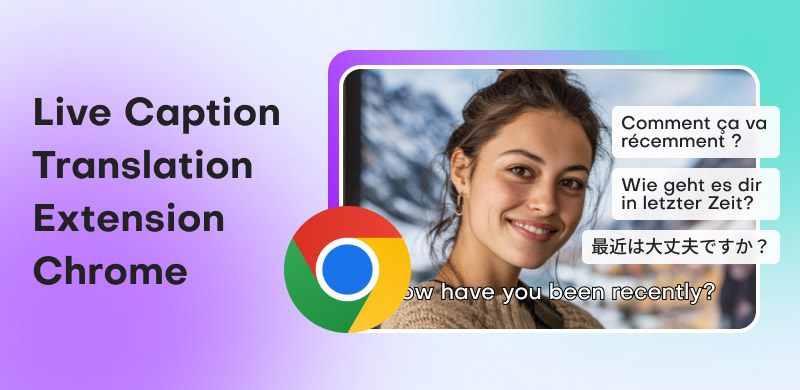
The Google Chrome browser's built-in accessibility feature, Chrome Live Caption, automatically generates captions for audio and video played in the browser in real time. Without requiring captions from the content provider, it works across websites, podcasts, social media platforms, and even live broadcasts thanks to Google's speech recognition technology. Additionally, in Chrome's settings, users can enable or disable captions, which appear in a small, movable box at the bottom of the screen. It allows listening to audio even when it is difficult to hear or unavailable.
Furthermore, a live caption Chrome extension is particularly valuable for people who are hard of hearing or deaf. It also benefits those in noisy environments and those who prefer reading while listening. Beyond accessibility, a live caption translator improves comprehension by allowing users to catch details they might miss, and when paired with the right tool, it can translate captions into another language in real time. Thus, a live caption translation tool helps you break down barriers, making online content more user-friendly, inclusive, and versatile.
Benefits of Chrome Live Caption
A Chrome live caption tool can offer you various benefits. Some of them are:
- • Accessibility – The tool can provide equal access to audio content for audience/users who are deaf or hard of hearing. With this tool, you can still access the information or messages you need while watching movies, attending meetings, or browsing.
- • Convenience – Another benefit of the tool is that it helps you focus on the message, even in noisy environments where listening is difficult.
- • Language Support – Some live caption extensions let you translate captions into multiple languages, helping break down language barriers.
- • Inclusivity – We appreciate that the tool can reduce listening fatigue and ensure comprehension while watching videos, lectures, and meetings.
Suitable for
The live caption extension is perfect for various users, such as:
- • Students and Professionals – The tool is useful in online classes, meetings, and webinars where captioning aids understanding. It ensures viewers understand everything.
- • Accessibility Needs – A live captioning extension is ideal for individuals with hearing impairments.
- • Multilingual Audiences – It is also ideal for people who consume content in a non-native language.
- • General Users – Anyone who prefers reading while listening to video and audio can use the tool.
How does the Transcript Chrome Extension Work?
Transcript Chrome extensions utilize speech recognition to effectively translate audio played in the browser into text. After processing the audio, the extension displays transcripts or captions on-screen, often with options to export, store, or copy the text for later use. These tools are useful for accessibility, learning, and multilingual communication, as many offer sophisticated capabilities, including automatic translation into multiple languages, customizable caption styles, and synchronization with video playback.
Part 2. How to Enable and Use Live Caption Chrome Extension
Are you interested in learning how to enable and use live caption on your browser? In that case, you can use the simple instructions in this section.
Step 1. Open your browser and hit the three-dot menu on the right. Then, proceed to the Settings section.
Step 2. After that, proceed to the Accessibility section and toggle on the Live Caption feature.
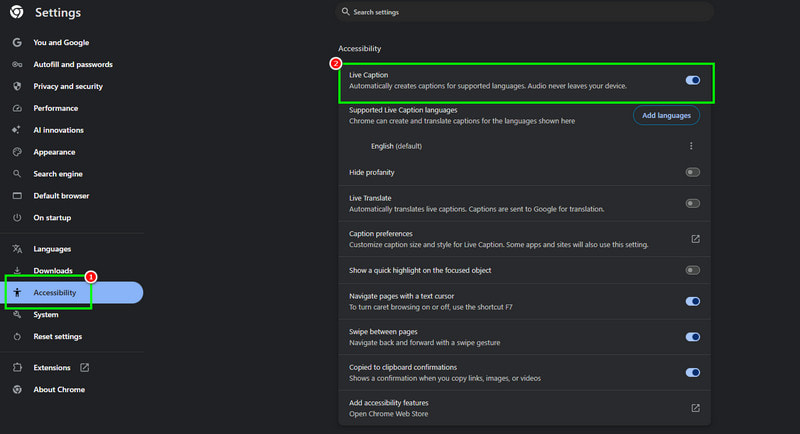
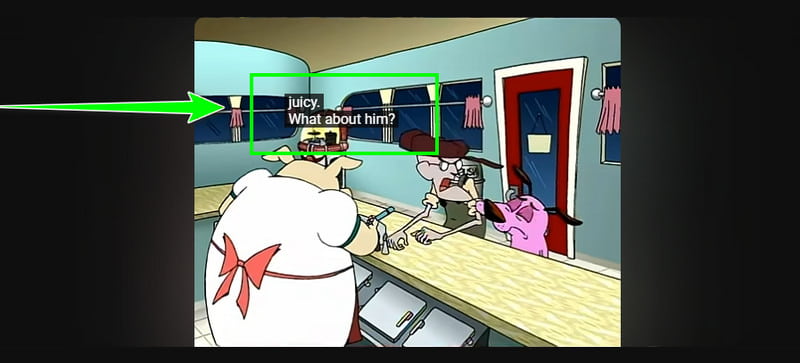
Step 3. Once done, you can now use the live caption. Open the video you want to watch, and the caption will appear on your screen.
Part 3. Best 5 Live Caption Translation Extension Chrome
Looking for the best Chrome extension for a live caption tool? Then, you can review this section, which introduces various tools you can use to translate live captions during video playback.
1. Chrome Live Action
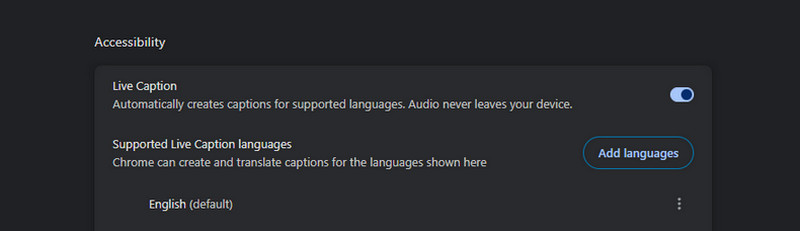
Chrome Live Action is a built-in Google tool that helps you view captions during video playback. With this extension, you can instantly understand the content by reading the spoken words. The advantage of this feature is that it is easy to enable.
Pros
- The tool is ideal for all users since it is simple to access.
- It is free to use.
Cons
- It cannot save the caption.
2. Immersive Translate
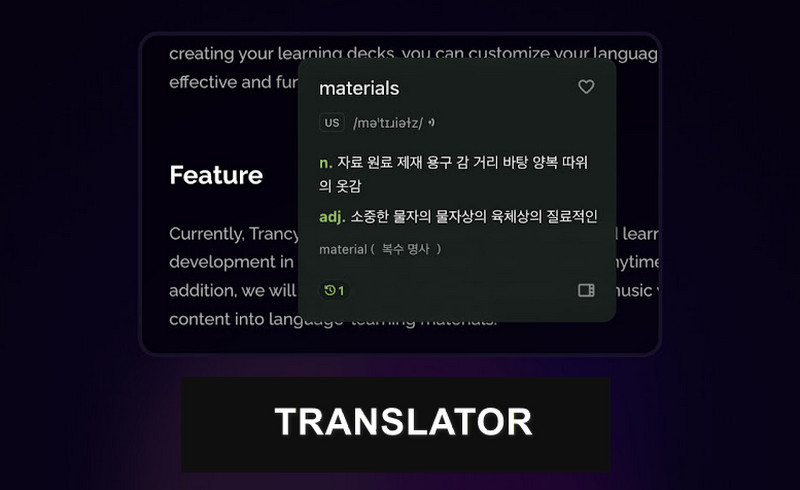
You can use Immersive Translate if you are looking for a tool that can translate the entire webpage, including captions and subtitles, in real time, making multilingual browsing seamless. The best part here is that it can provide multiple translation engines to improve accuracy.
Pros
- It can support multiple languages with customizable translation engines.
- It can perform seamlessly with web text and video subtitles.
Cons
- For an effective translation, you need a fast internet connection.
- The advanced features are available on the premium version.
3. Language Rector
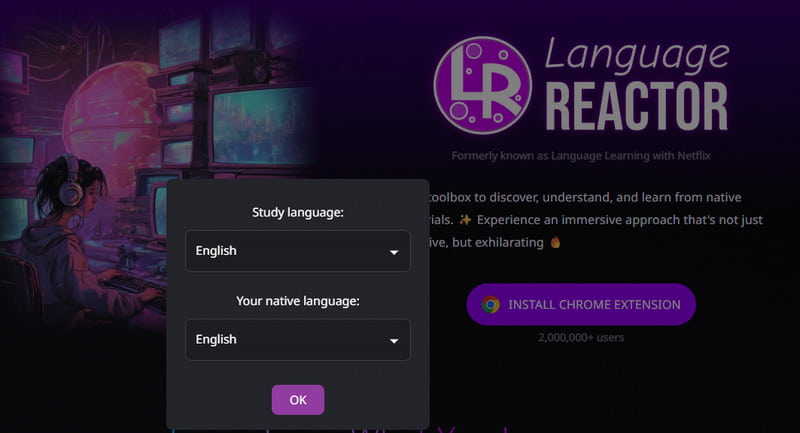
Language Reactor is created for language learners. This excellent extension provides subtitles across platforms such as Netflix and YouTube, along with interactive tools for vocabulary building.
Pros
- The tool is ideal for language learning.
- Accessing the tool is easy.
Cons
- Limited to supported platforms.
4. Taqtiq Chrome Extension
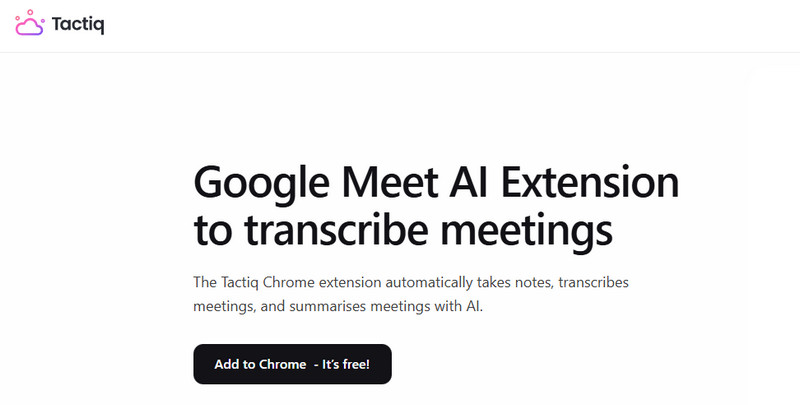
Taqtiq Chrome Extension is the best tool for capturing live captions across platforms such as Zoom, Google Meet, Teams, and more. The benefit of this tool is that it automatically saves transcripts, allowing you to retrieve your records for review.
Pros
- The extension can save capital effectively.
- It can offer high accuracy when displaying captions.
Cons
- The extension's free plan has restrictions.
5. ScreenApp
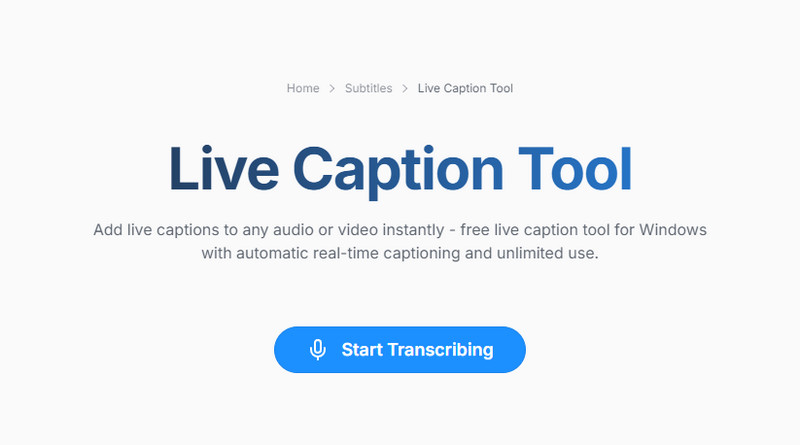
ScreenApp is another speech to text Chrome extension you can rely on to get live captions. The advantage of this tool is that it can record your screen while providing captions. Plus, it supports numerous languages, making it perfect for all users.
Pros
- It can transcribe and record simultaneously.
- The tool supports multiple languages.
Cons
- It requires the internet to perform.
- You must purchase a paid plan to access all features.
Part 4. Comparison Table of 5 Tools
If you want to get more insights into these best extensions, you can view the table below.
| Best for | Features | Pricing |
| Google Live Caption | Showing captions in real-time, accessibility, general browsing, and noisy environments. | ●Real-time captions for audio/video.
●Works offline after setup.
● Customizable caption styles | Free |
| Immersive Translate | Multilingual browsing, global content access. | ●Translates web pages, subtitles, and captions.
●Supports multiple translation engines. | Starts at $8.33 |
| Language Reactor | Language learners, streaming content users. | ●Free | Starts at $8.33 |
| Taqtiq | Professionals, students, and meeting productivity. | ●Captures live captions in meetings (Google Meet, Zoom, MS Teams).
●Saves transcripts.
●Integrates with Docs/Slack. | Starts at $8.00 |
| ScreenApp | Recording tutorials, meetings, and video documentation. | ●Records screen + generates transcripts.
●Supports multiple languages.
●Easy sharing. | Starts at $19.00 |
Tips: How to Choose the Right Live Caption Chrome Extension for Your Needs?
Read all the tips here to learn how to choose the right live caption Chrome extension.
- • Accuracy – Always look for extensions that use advanced speech recognition or multiple translation engines. Well, accuracy matters most for professional use and language learning.
- • Latency – Real-time captioning should appear with minimal delay. Choose an extension that can offer captions instantly.
- • Supported Languages – When selecting a live caption extension, choose one that supports multiple languages. This way, regardless of the language you want, the extension can deliver the result you need.
- • Privacy and Security – Choose the best extension to keep your data private and secure.
FAQs about Live Caption Translation Extension Chrome
Q: Does Chrome Live Caption translate live audio for free?
A: The answer is no. The tool cannot translate live audio. It automatically generates real-time English captions for videos and audio played in Chrome.
Q: Does live caption work on YouTube or Zoom?
A: Definitely, yes. There are several live caption extensions you can use on YouTube and Zoom. Some of them are Google Live Caption, Taqtiq, Language Reactor, and more.
Q: How to fix the live captions not appearing in Chrome?
A: All you need to do is enable the Live Caption feature in your browser settings. In the browser, click the three dots icon, then tap Settings. After that, go to the Accessibility section and turn on the Live Caption feature.
Conclusion
With this review, you have discovered the best live caption translation extension for Chrome. You also get to know more about their features, best for, and pricing. Therefore, try all the extensions and see which is most suitable for viewing captions across different platforms.
Ethan Carter
Ethan Carter creates in-depth content, timely news, and practical guides on AI audio, helping readers understand AI audio tools, making them accessible to non-experts. He specializes in reviewing top AI tools, explaining the ethics of AI music, and covering regulations. He uses data-driven insights and analysis, making his work trusted.


 by
by