
Sidify Apple Music Converter Review: Features and a Great Alternative
 by Luna Harper | May 26, 2026 | Apple Music
Imagine this: You find a desired Apple Music song and want to play it on your MP3 player, but the file won’t work since it’s locked to the Apple Music app. That’s why many turn to Sidify Apple Music Converter, which is indeed one of the most popular established players for downloading Apple Music tracks. But is Sidify the best one? Today, we explore its features, real performance, user experiences, and best alternative for determining whether it is right for you.
100% Secure. No virus.
100% Secure. No virus.
Part 1. What is Sidify Apple Music Converter?
Apple has strong protection for all Apple Music tracks to prevent copying files for use outside the Apple ecosystem. Although it is still possible to download songs for offline listening, these songs require an active subscription. Instead, you will lose access to downloads once the subscription expires.
Sidify Apple Music Converter allows you to convert tracks, podcasts, and audiobooks from Apple Music into accessible formats, like MP3 or M4A, on any device. The output quality is maintained at a high level with full ID3 tags, ensuring your music collection stays perfectly organized.
Pros
- The tool has a simple interface.
- It comes with high audio quality with ID3 tags and lyrics.
- The tool supports MP3, AAC, WAV, FLAC.
- It preserves artists, albums, and cover art.
- The tool works on Windows and Mac.
- Supports basic audio editor to trim and merge audio.
- Reliable conversion speed and output.
Cons
- Trial is a limited and expensive full version.
- Removing DRM may violate Apple’s terms.
- Limited number or length of converted tracks.
- Must manually download and convert songs.
- Some users report minor glitches.
- Response time can be slow.
How to Use the Sidify Apple Music Converter?
Step 1. Open Sidify Apple Music Converter and sign in to your Apple Music account.
Step 2. Browse your favorite songs and click the Add button to load tracks you wish to convert. You can select multiple songs or entire playlists.
Step 3. You can choose your output on Apple Music parameters, such as format, bitrate, sample rate, and output quality.
Step 4. Click the Convert button and export the Apple Music to your local drive. The files will be saved to the designated output folder.
Part 2. User Review of Sidify Apple Music Converter
“I’ve been using Sidify primarily with Apple Music…There are occasional issues with software updates, and the price may be a little high compared with some alternatives.” – Scuba Steve
“In the free trial, it only downloads the first minute of a song and the lowest upgrade is $89.” – Rumcattaa
“The software is stable and easy to use, although the conversion speed can sometimes be slower when handling very large playlists. I also hope the software can provide more advanced customization options for output formats and file naming rules in future updates.” – Daniel M.
I've been testing this program and tried to download a 50-song playlist. The interface is clean and easy to navigate, but, indeed, with a free trial that converts only the first minute of each song. You have to pay for the Pro version to access all features, like fast batch conversion speed, ID3 tag preservation, and advanced toolkits.
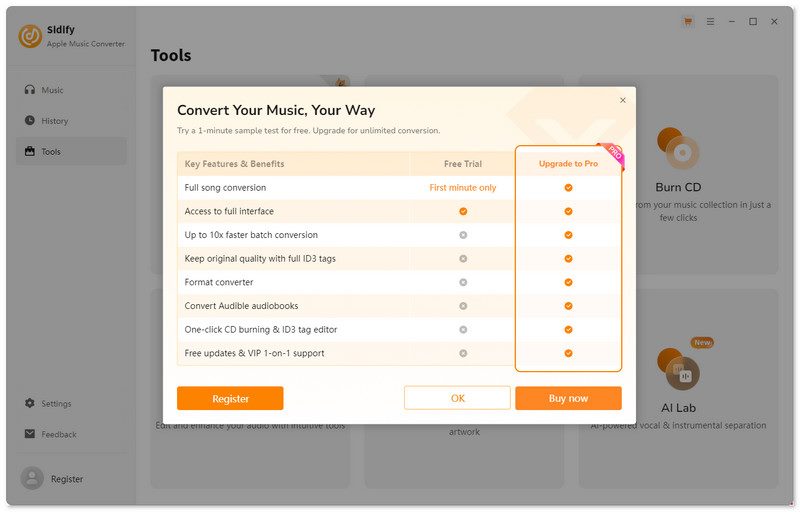
After upgrading, Sidify handled the large playlist of up to 320kbps MP3s in about 47 minutes. It showed that converting a single song took nearly one minute to process a single track, which is not as fast as the 10x claimed by the official. Some users have also reported that certain songs fail to convert or that playlists end up with missing tracks.
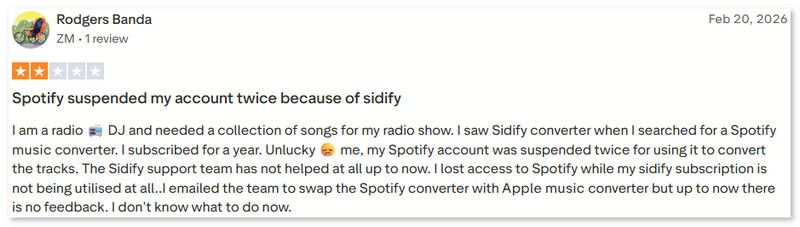
Sidify Apple Music Converter is a handy tool for anyone looking to convert Apple Music to MP3. But to be honest, although you choose Lossless output, the quality is lossy. You can choose to save as FLAC, but it just upscales the same low bit rate file. Some users report that you probably get banned within 2-3 days for just logging in to Sidify with your account.
Part 3. Beyond Sidify🔥: Better Alternative for Converting Apple Music
| Dimension | TopVox All Music Converter | Sidify Apple Music Converter |
|---|---|---|
| Supported Platform(s) |  | Apple Music Only |
| Price | $35.96/Mo, $149.95/Lifetime | $44.95/yr, $89.90/Lifetime |
| OS | Windows 11/10/8/8.1/7(64‑bit), macOS 10.14~27 | Windows 7/8/10/11 macOS 11–26 |
| Trial Limit | First 3 minutes per song | Only 1 minute per song |
| Conversion Speed | Up to 35× (~15 minutes for 100 songs) | Up to 10× |
| Audio Quality | Up to 320kbps/48kHz; FLAC supports 24‑bit Hi‑Res output | Up to 320 kbps/48000 Hz; lossless |
| Output Formats | MP3, WAV, FLAC, AIFF, M4A (AAC), M4A (ALAC) | MP3, AAC, FLAC, WAV, AIFF, ALAC |
| Success Rate | 99% | 97.8% |
| Extra Features | playlist transfer, tag editor, AA/AAX converter, format converter | CD burning, tag editing, AI audio splitter, etc. |
100% Secure. No virus.
100% Secure. No virus.
According to the comparison table above, we can see that TopVox All Music Converter is ideal for being more well-rounded. That’s why I choose it as a great alternative.
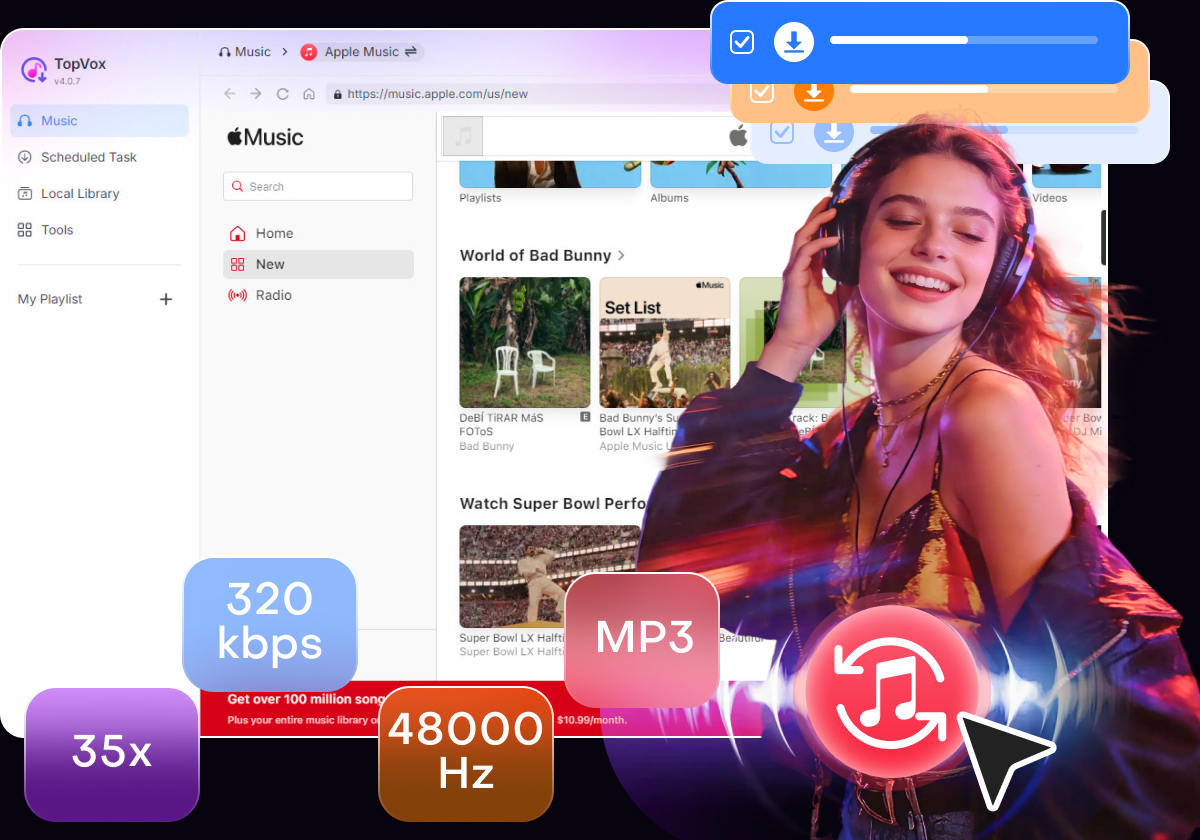
TopVox All Music Converter is an all-in-one music downloader for major platforms. You can save your Apple Music tracks, albums, playlists, and audiobooks with 35×faster speed and original audio quality. Some advanced music lovers can also use additional tools like Playlist Transfer and Tag Editor to manage your music library.
(TopVox is a home edition only for personal use.)
Pros
- Built-in web player to search, play, and download.
- A 99% success rate for music downloading.
- Easily organize and identify your converted music.
- High-quality batch download with all metadata.
- Clear navigation and operation for beginners.
Cons
- Only the first 3 minutes per song during the 14-day free trial.
- No mobile version.
100% Secure. No virus.
100% Secure. No virus.
Step 1. Download the amazing TopVox All Music Converter for free and install it immediately on your computer.
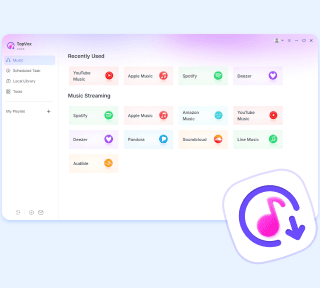
Step 2. After that, open the tool and from its main interface choose the Apple Music among the platforms it supports.
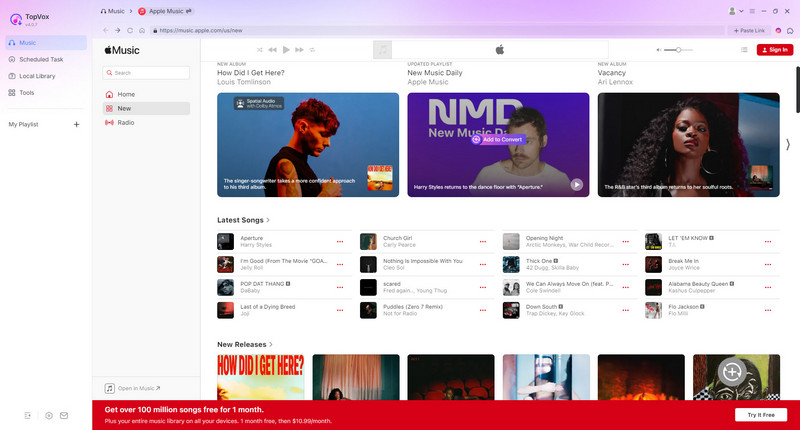
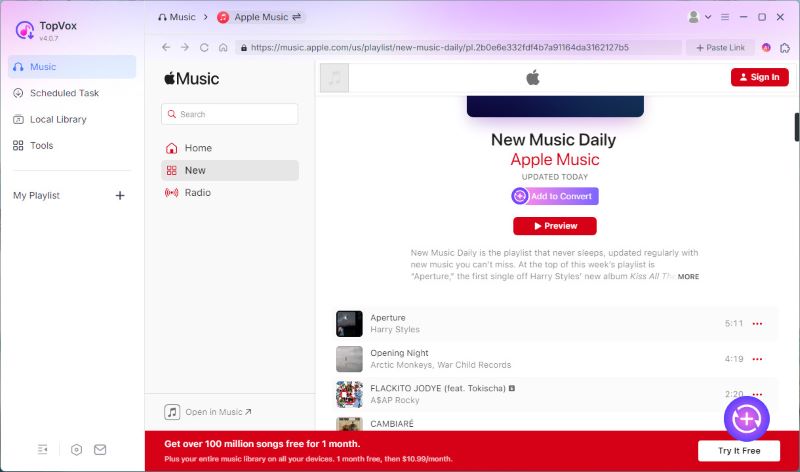
Step 3. From there, you will need to sign in for your Apple Music. You can use the existing account you are using for a while now.
Step 4. Next, you can now use the Search Tab to look for the music you would like to listen to. Click play.
Step 5. As an additional step, you can actually download some tracks from it. This will allow you to listen to the music offline after you have downloaded it.
FAQs on Sidify Apple Music Converter
Q: Is Sidify Apple Music Converter safe?
A: Sidify Apple Music Converter is a safe and malware-free software to use. But many users reported that their accounts have been banned, possibly due to violating platform rules.
Q: What formats does Sidify Apple Music Converter support?
A: Sidify Apple Music Converter can convert Apple Music tracks into MP3, AAC, WAV, and FLAC. These are the file formats you can play on your device without being online.
Q: Does Sidify keep song metadata?
Yes, Sidify Apple Music Converter maintains all the important metadata such as artist, album, track number, and cover art. This can make your converted library well-organized.
Q: Can Sidify convert audiobooks or podcasts?
Sidify Apple Music Converter supports converting Apple Music, iTunes songs, and audiobooks. However, the podcast compatibility on it may vary depending on source file protection.
Conclusion
Offline listening for Apple Music is possible with Sidify Apple Music Converter. It is possible to get your music in another format on your device. But if you need a great alternative, TopVox All Music Converter is a great option you can use without complication.
TopVox Apple Music Converter
Rated on Trustpilot >  4.8/5
4.8/5
- Download and convert Apple Music songs, albums, playlists, etc., with a success rate of up to 99%.
- Keep original quality, retain ID3 tags, offer lightning-fast speed and lifetime updates.
100% Secure. No virus.
100% Secure. No virus.