Easy Ways on How to Fix Copyright Claims on YouTube
Want to learn how to fix a copyright claim on YouTube? Well, dealing with a copyright claim on the YouTube platform can feel overwhelming, especially for aspiring content creators. These claims occur when YouTube's copyright owner or Content ID system detects that part of the content uses protected material such as music, clips, or photos. While claims don't always mean removal, they can affect visibility and monetization. It can even have an impact on your YouTube channels, so learning how to fix them is crucial, whether by disputing a claim you believe is incorrect, using licensed and royalty-free material, or replacing or muting copyrighted audio. The right steps will help protect your channel, keep your content accessible, and prevent future issues, while respecting copyright owners. Now, to learn the best ways to fix the YouTube copyright claim, see all the information in this article.
Part 1. Everything You Need to Know about YouTube Copyright Claims
What Does Copyright Mean on YouTube?
A copyright on YouTube refers to the legal rights that content creators automatically gain when they create original content. It can be videos, music, or artwork. Copyright law gives the right holder control over how their work is shared, used, and monetized. It means that if someone uploads a video containing another person's copyrighted material without permission, such as a song, movie clip, or image, the copyright owner has the right to decide whether that content stays on YouTube, is monetized by the copyright owner, or is removed entirely.
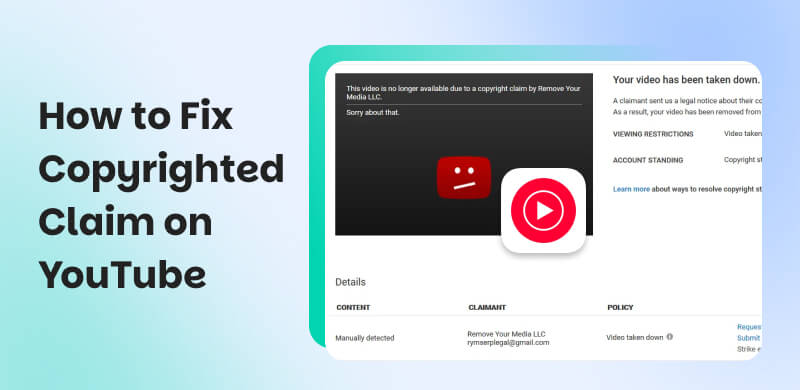
A copyright claim on the YouTube platform occurs when its Content ID system or a copyright holder detects copyrighted material in a certain content. Though there are times when claims don't always result in a video being taken down, they can restrict monetization or visibility. In addition, it can result in copyright strikes, which threaten a channel's ability to remain active. Therefore, copyright on YouTube is about covering and protecting creative ownership and ensuring that original right holders are recognized and compensated when their work is accessed/used.
Part 2. Why Does My YouTube Video Say Copyright
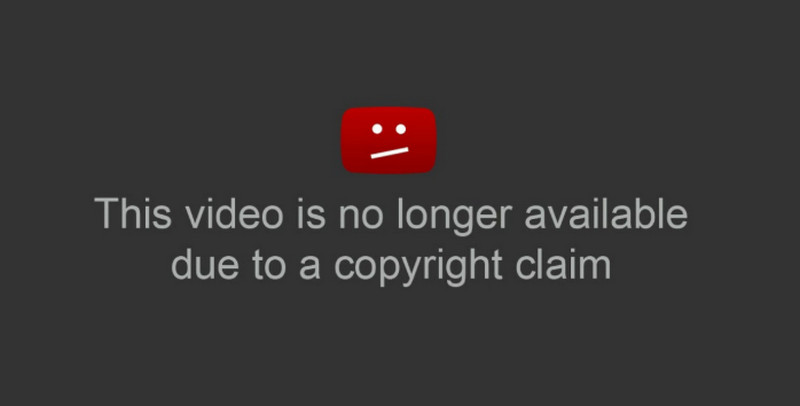
'Why does my YouTube videos say copyright?' It is the common question that the creators asked. Well, when your uploaded YouTube video says 'copyright,' it only means that part of your content contains material that belongs to someone else. It can be a video clip, a piece of music, or a part of a song. Well, there is a system called 'Content ID' on YouTube. This system can automatically scan uploaded content and compare it against a vast database of copyrighted works. If the content matches, the copyright owner can choose what happens next. There are times when they allow the content to stay up but claim the ad revenue. Also, other owners might block it in certain regions or request that the content be taken down.
Part 3. How Do YouTube Copyright Claims Impact the Channel
Don't you know that YouTube copyright claims can significantly affect your channel's growth, monetization, and reputation? You can check the details below and explore the three key impacts.
Loss of Monetization
When a copyright claim appears on your video content, the rights holder can choose to monetize it instead of you. It means that any ad revenue generated will only go directly to them, not to your YouTube channel. Well, this can be frustrating, especially for content creators who rely on their channel for financial benefit.
Blocking or Restricted Visibility
Do copyrights affect views? The answer is yes. If your content is subject to a copyright claim, the rightful owner can choose to block or restrict it in certain regions/countries. With this action, your content can only reach a limited number of viewers or may no longer be uploaded. It can even affect your channel's growth, especially if your content is performing well. There are also times when the video might become unavailable, which can lessen the engagement and subscriber trust.
Risk of Copyright Strikes
While claims are often about revenue, repeated or serious infringements can escalate into copyright strikes. The Strikes are more serious because they mean the video is removed and your channel is penalized. Having three strikes within 90 days can result in permanent channel termination, making it critical to resolve claims promptly and avoid repeated violations.
Part 4. How to Fix Copyright Claims on YouTube
Want to learn how to remove copyright on YouTube? Well, you can either dispute the claim if you believe it is incorrect or edit your video to replace or remove the copyrighted material. Plus, the right approach depends on whether the claim is from the platform's Content ID system or a formal takedown notice.
Here are the best ways to fix and resolve the copyright claims.
Dispute the Claim
If you know that you own the rights to the material, you have permission, or you are under fair use, then you can file a dispute directly via YouTube. The right holder will then review your dispute and decide whether to uphold or release the claim.
Replace or Remove Copyrighted Content
The YouTube platform offers to mute the copyrighted song or audio, swap it with a royalty-free audio, or trim the claimed segment. It is the safest and fastest method to clear a claim and restore monetization on your content.
Avoid Future Claims by Using Royalty-Free or Licensed Material
Some content creators rely on stock music libraries, Creative Commons content, or original work to remain safe. This method can help you prevent repeated claims and protect your channel's growth and monetization.
Part 5. FAQs about How to Fix Copyright Claim on YouTube
Q: How to remove copyright from YouTube videos?
A: The easiest way to remove the copyright from a YouTube video is to deal with your content. You can trim out the copyrighted part, mute the audio, or replace it. With that, you can upload your content without encountering any issues.
Q: How do I avoid copyright on my YouTube video?
A: The best way to avoid copyright issues with your videos is to use stock music from YouTube. You can also create your own song and add it to your video.
Q: Can I use 10 seconds of the copyrighted song?
A: If you use even a little part of the copyrighted content without any permission, then the Content ID system will detect it. Thus, always ask for the owner's consent for a smooth procedure.
Conclusion
Thanks to this article, you have learned how to fix a copyright claim on YouTube. You also learned how the claim might affect your channel and why it appears in your videos. Thus, if you want to learn everything about the discussion, you can rely on this article.
Ethan Carter
Ethan Carter creates in-depth content, timely news, and practical guides on AI audio, helping readers understand AI audio tools, making them accessible to non-experts. He specializes in reviewing top AI tools, explaining the ethics of AI music, and covering regulations. He uses data-driven insights and analysis, making his work trusted.

 by
by