[2026] 8 Best AI Voice Changers: Unlock Your Voice's Potential
Powered by advanced AI and machine learning, AI voice changers have become popular for modifying, synthesizing, and cloning voices with remarkable accuracy. Whether you're a gamer, content creator, or professional, there's a powerful tool out there that can help you create unique and lifelike voices. In this guide, we'll explore 8 AI voice changers, comparing their features, pros, cons, and best use cases to help you choose one that's right for you.
Quick Pick: Top 3 AI Voice Changers at a Glance
- HitPaw Voice Changer: Best for AI character voices with a vast library and real-time noise reduction.
- ElevenLabs: Best for high-fidelity voice cloning and professional dubbing, with emotional nuance.
- Voicemod: Ideal for live streamers, with seamless integration and low latency.
Part 1. What is an AI Voice Changer?
Unlike traditional voice modulators that only adjust pitch or speed, AI voice changers use Deep Learning and Neural Networks to recreate the nuances of human speech. By analyzing vocal patterns and re-synthesizing speech from the ground up, these tools can produce far more natural, lifelike voices, capturing the essence of vocal cords, resonance, and intonation.
Speech-to-Speech vs. Text-to-Speech
AI voice changers can operate in two main modes: Speech-to-Speech (S2S) and Text-to-Speech (TTS).
S2S is a real-time voice conversion technology that alters an individual's voice as they speak. It captures live audio, analyzes the user's vocal characteristics, and transforms the voice into something entirely different. This process allows for real-time interaction, making it perfect for applications like gaming, live streaming, and voice acting where immediate feedback is crucial.
TTS, on the other hand, generates voice from written text. Instead of altering a human voice in real time, TTS synthesizes speech from scratch, creating a voice that corresponds to the typed input. This is typically used for applications like virtual assistants, voiceover work for videos, or audiobooks. While TTS systems can now produce highly realistic voices, they lack the real-time interaction capabilities of S2S systems.
Why it Matters
- Privacy for Streamers: AI voice changers help streamers protect their identity by altering their voice in real-time.
- Creative Freedom for Musicians: Musicians use AI voice changers to create vocals without needing human singers, unlocking new creative possibilities.
- Cost-Saving for Content Creators: AI voices help creators generate high-quality voiceovers without hiring voice actors, reducing production costs.
Part 2. Comparison of 8 Best AI Voice Changers at a Glance
| Best For | AI Voices Library | Customization Options | Output Quality | OS | Pricing |
| HitPaw Voice Changer | Gaming, Music, Professional VO | Massive (Celebrities, Characters) | Pitch, Emotion, Age, Prosody | High bitrate, Realistic | Windows, Mac, Mobile | $9.95/month
$29.95/year
Perpetual License at $49.95 |
| ElevenLabs | Professional Dubbing | Limited (29+ Languages) | Emotional Nuance | High-fidelity | Web-based | Starter: $5/month
Creator: $11/month
Pro: $99/month |
| Voicemod | Live Streamers, Community | Extensive (Soundboards) | AI Voice Lab | Moderate latency, Variable | Windows 10/11, macOS, Mobile | Pro Plan: $10/month
Lifetime Unlimited Plan: $39.99 |
| Voice.ai | User-generated Models | Thousands (Community) | Basic adjustments | Inconsistent quality | Web-based | Free |
| Kits.ai | Music Production | Licensed Artist Voices | Stem Separation, RVC Export | Professional | Windows | Starter: $10/month
Producer: $30/month
Professional: $60/month |
| EaseUS VoiceWave | Beginners, Simplicity | Limited (Preset Voices) | Basic Adjustments | Clean, Low CPU usage | Windows 10 (64-bit OS) /11 | Individual: $14.95/month
Individual: $29.95/year
Individual: $39.95/lifetime |
| FineVoice | Multipurpose Creators | Decent (Kid Voices) | Pitch, Speed | Professional | Windows | Basic Plan: $8.99/month
Pro Plan: $12.99/month
Enterprise Plan: $47.99/month |
| Murf.ai | Professional Narration | Few (Neutral Voices) | Detailed Pitch Control | Studio-level | Web-based | Creator: $19/month
Business: $66/month
Enterprise: Custom |
Part 3. Detailed Reviews of the 8 Best AI Voice Changers
1. HitPaw Voice Changer [All-in-One]
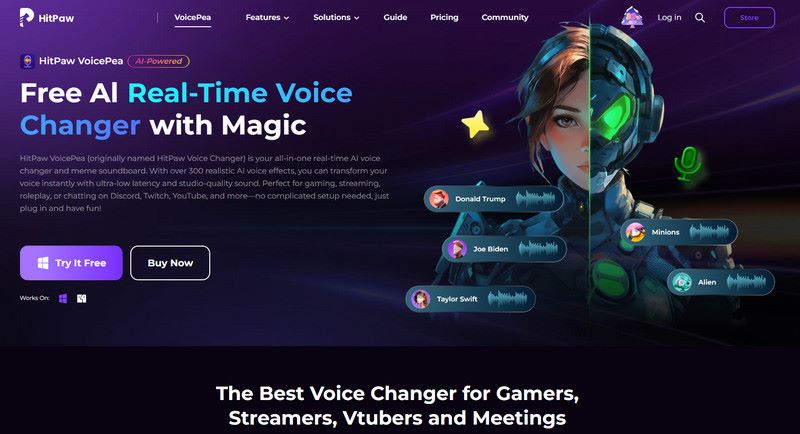
HitPaw Voice Changer is a versatile AI voice changer, ideal for gaming, music, and professional voiceovers, featuring a massive library of over 100+ celebrity and movie character voices. The tool offers high-quality output with industry-leading noise reduction, ensuring clear sound even in noisy environments. It supports customization options such as pitch, emotion, age, and prosody, enabling a wide range of unique voice alterations. Additionally, it offers real-time RVC with a high bitrate for ultra-realistic voices. It integrates seamlessly with platforms like Discord, which is perfect for live interaction. However, it requires a decent GPU for smooth real-time voice conversion.
Pros
- 100+ celebrity and character voices.
- Industry-leading noise reduction for clarity.
- Real-time RVC for lifelike voices.
- Easy integration with Discord for live use.
Cons
- Requires a decent GPU for real-time conversion.
- The trial version adds a watermark and has limited functionality.
2. ElevenLabs [Voice Cloning & Dubbing]
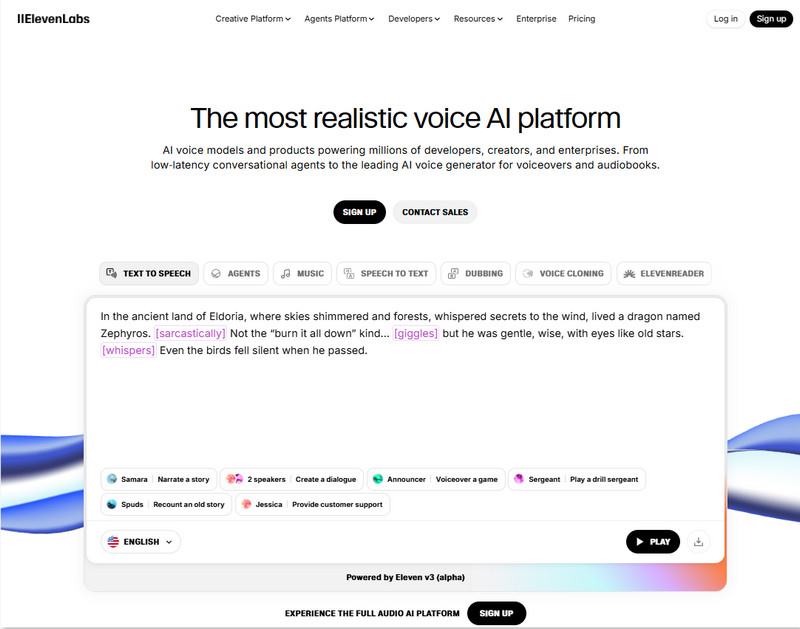
ElevenLabs is the go-to solution for voice cloning for professional dubbing and voiceovers. Known for its unrecognizable AI voices, ElevenLabs supports over 29 languages and offers robust emotional nuance, making it the best AI voice changer for nuanced, expressive voice acting. It boasts a high-fidelity voice model that generates realistic speech and maintains emotional inflection. However, it's a web-based tool, so it doesn't support offline use, making it unsuitable for real-time applications like gaming.
Pros
- High-fidelity, unrecognizable AI voice cloning.
- Supports 29+ languages, making it global-friendly.
- Emotional nuance for professional-quality dubbing.
Cons
- Only available as a web-based tool (no offline mode).
- Not suited for real-time applications like gaming or live streaming.
3. Voicemod [Live Streamers]
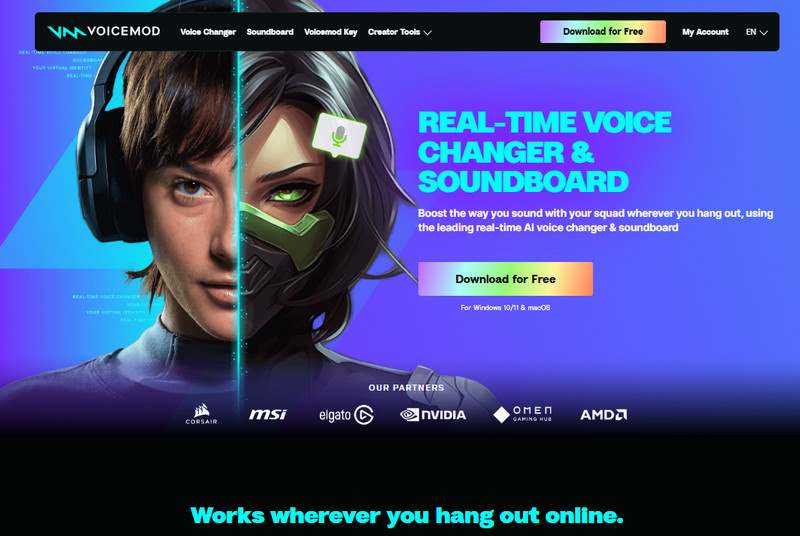
For live streamers and content creators, Voicemod offers seamless integration with platforms such as Twitch and Elgato Stream Deck. It features a vast library of AI-generated soundboards and a Voice Lab for customizing various voice styles. The tool supports real-time voice modulation with minimal latency, a crucial feature for live streaming and gaming. Some can sound slightly metallic if not correctly adjusted. It supports a free version with many built-in sound effects. The premium version unlocks additional features, such as the ability to customize voices and access more advanced AI models.
Pros
- Available for both Windows and Mac.
- Real-time AI voice changer with low latency.
- Integration with Twitch, Elgato Stream Deck, and other streaming platforms.
- Free soundboard and custom voice creation tools.
Cons
- Some voices may sound metallic if settings aren't optimized.
- Premium version required for access to full features.
4. Voice.ai [User-Generated Models]
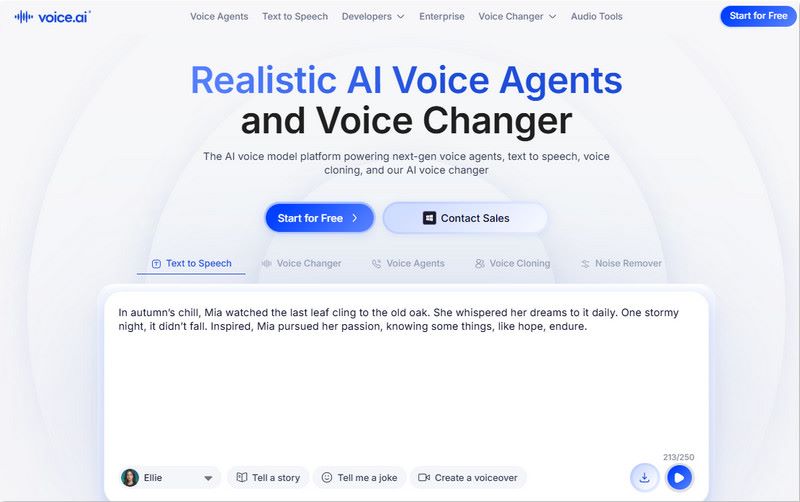
Voice.ai, a web-based AI voice changer, stands out for its decentralized, community-driven library that lets users upload their own RVC (Retrieval-based Voice Conversion) models. Users can access a nearly unlimited variety of voices, catering to those seeking more unique, niche voice models. Its Earn credits system allows users to access additional voices without paying. Still, some voices vary considerably in quality, sounding poorly trained. Overall, the tool is a good choice for those seeking access to a diverse range of voices.
Pros
- Community-driven, user-generated voice library.
- Earn credits to access more voices for free.
- Unlimited variety in voice models.
Cons
- Quality can be inconsistent due to user-generated content.
- A web-based platform means no offline access.
5. Kits.ai [Best AI Song Voice Changer]
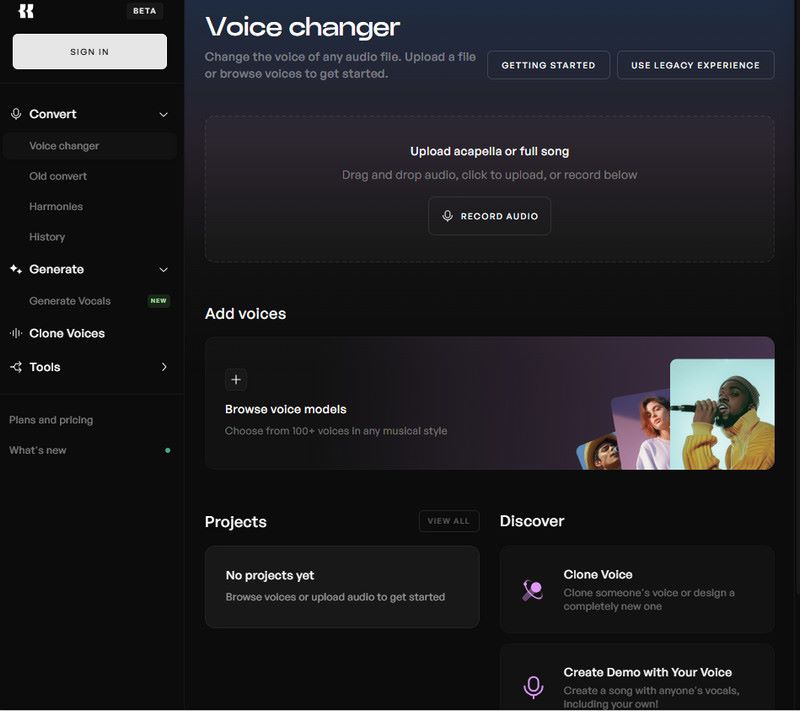
Explicitly designed for music producers, Kits.ai is an AI singing voice creator rather than a voice acting or casual voice modulation tool. It offers a range of licensed artist voices, perfect for creating demo tracks or reference vocals. The tool provides high-quality stem separation, ensuring that the vocal track is clean and ready for production. It also supports RVC export, allowing users to export their voice models for later use in other projects.
Pros
- Licensed artist voices for professional music production.
- High-quality stem separation and RVC export.
- Ideal for vocal reference and demo tracks.
Cons
- Expensive for hobbyists.
- Focuses on singing, not ideal for voice acting or casual use.
6. EaseUS VoiceWave [Beginners]
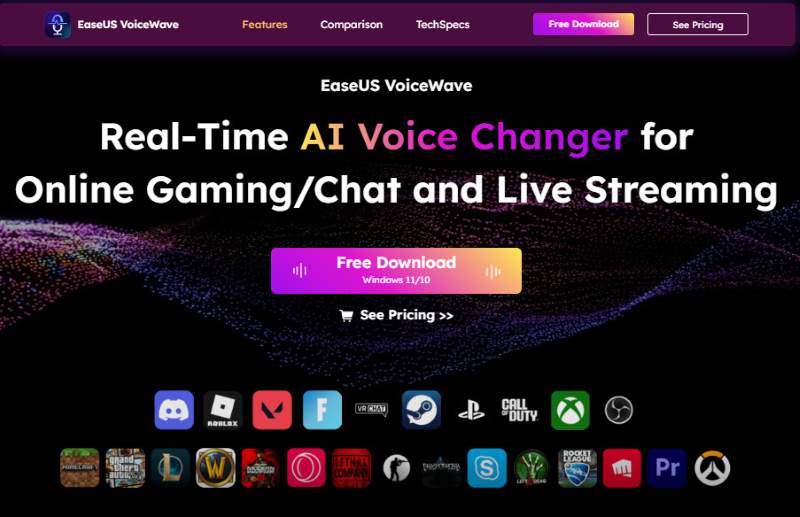
EaseUS VoiceWave is a lightweight, user-friendly AI voice changer for chatting, online gaming, and live streaming. It provides 100+ built-in voice effects, including game characters, celebrities, and gender-swapped voices. It's compatible with 200+ online games and 50+ social/meeting platforms (Discord, Zoom, Skype, OBS, Twitch). A standout feature that automatically filters out background noise, ensuring professional-grade vocal clarity. It's available for Windows and offers both free and subscription options, with the free version offering limited features and presets.
Pros
- User-friendly interface with minimal setup required.
- Low CPU usage, perfect for older machines.
- The free version includes useful presets, including AI girl voices.
Cons
- Limited customization compared to advanced tools.
- Focused on basic voice modulation with fewer options for professionals.
7. FineVoice [Multipurpose]
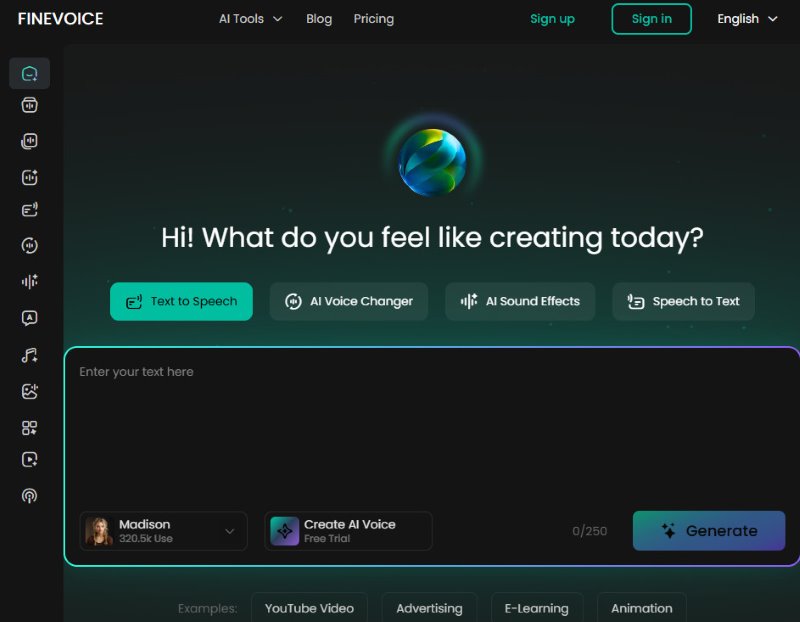
FineVoice is a one-step AI voice changer that offers cloning, transcription, and music generation in a single workspace. It provides 1,000+ voice models, including some high-quality kid voices ideal for creating character-driven content. The tool supports 1500+ voices across 154 languages with advanced Emotion Tags for lifelike narration, making it perfect for podcasters and YouTubers. You can clone any voice with just 30 seconds of audio sample with high precision. FineVoice delivers professional-quality output, but the interface feels slightly outdated.
Pros
- Combines a voice changer, recorder, and transcriber in one app.
- Professional-quality output.
- Great selection of character-driven voices.
Cons
- Available for Windows only.
- Slightly outdated interface.
8. Murf.ai [Professional Narrations & E-Learning]
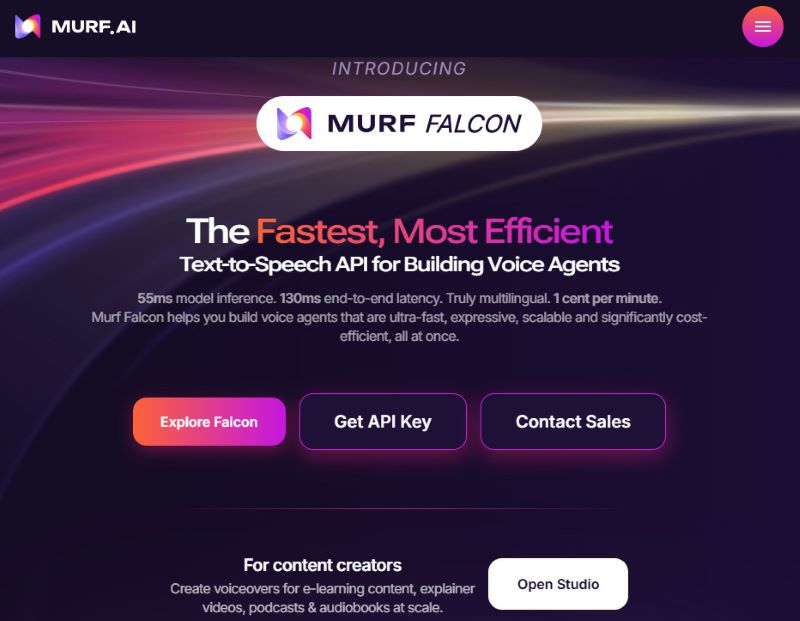
Murf.ai is the best AI voice changer tailored for professional narrations, e-learning modules, and corporate voiceovers. This web-based tool offers 120+ professional AI voices in 20+ languages with control over Emphasis, Pitch, and Speed, making it ideal for polished, professional output. The built-in video editor lets you sync AI voiceovers with visuals and background music in a single timeline. It excels at creating realistic, natural-sounding voiceovers. Still, it doesn't support real-time or live voice-changing, making it unsuitable for gaming or streaming.
Pros
- Studio-level editing with pitch and emphasis control.
- Integrates with platforms like Canva for easy content creation.
- Reliable for professional and corporate use.
Cons
- Not suitable for real-time/live mode, gaming, or live interaction.
- Limited to web-based use, no offline support.
Part 4. Professional Use Cases: Which one to choose?
Best AI Voice Changer for Streamers & Gamers
For streamers and gamers, real-time voice modulation is key. Voicemod and HitPaw Voice Changer are excellent choices. Voicemod integrates seamlessly with platforms like Twitch and Elgato Stream Deck, offering low-latency voice changes perfect for live streaming. HitPaw also offers real-time voice modulation with an extensive library of characters and celebrity voices. Consider Voicemod if you're focused on live streaming, and HitPaw for more creative voice applications, such as gaming characters and avatars.
Best AI Voice Changer for Professional Dubbing & Voiceovers
For professionals in dubbing, narration, or voice acting, ElevenLabs stands out for its high-fidelity voice cloning and emotional nuance. It supports over 29 languages, enabling natural-sounding voiceovers indistinguishable from human voices. Similarly, Murf.ai offers studio-level editing controls, making it perfect for polished corporate narrations or e-learning modules.
Best AI Voice Changer for Music Production
Musicians will find Kits.ai to be the best fit, with its licensed artist voices and high-quality stem separation. This tool is perfect for creating demo vocals or reference tracks in music production. Kits.ai also allows RVC export, so you can integrate AI-generated vocals seamlessly into your projects.
Best AI Voice Changer for Content Creators & YouTubers
Content creators and YouTubers need a versatile tool that can handle multiple voice styles and deliver high-quality output across diverse content. FineVoice is perfect for this, as it includes voice-changing, recording, and transcription features in one package. It's ideal for creating character-driven content or video voiceovers. If simplicity is key, EaseUS VoiceWave offers an intuitive, beginner-friendly interface with useful preset voices.
Part 5. Creating Own Identity: How to Make Your Own RVC AI Voice Model
What is RVC?
RVC (Retrieval-based Voice Conversion) is a cutting-edge voice conversion technology that enables you to create a unique AI voice by training a model on your voice or a dataset of voices. It works by retrieving a voice sample and modifying it to resemble another voice or to create a new one.
Step-by-Step: From Audio Dataset to Your Own RVC Model
- Gather 5-10 minutes of clean audio
The quality of the final model depends heavily on the quality of the initial dataset, so make sure you record clear, noise-free audio. - Train the model
Using platforms like Google Colab or a local GPU, input the dataset to train the RVC model. This step typically takes several hours or even days, depending on the dataset size and the model’s complexity. - Export and use
After training, export the model for real-time use, either locally or on a web-based platform that supports RVC. You can then test and adjust the model’s performance.
Part 6. 2026 Buyer's Guide: What to Look for?
Hardware Compatibility: Ensure the tool is compatible with your operating system and meets the hardware requirements, especially if using advanced features such as real-time voice conversion.
Commercial Licensing: If you're using the tool for commercial purposes, ensure that the voice models are licensed for such use. Some tools offer royalty-free licenses, while others may require additional licensing.
Latency: Latency is crucial for real-time applications, especially for streamers and gamers. Look for tools that provide low latency (under 50ms) to avoid delays during use.
Dataset Ethics: It's essential to choose AI voice changers that use ethically sourced voices. Check whether the platform follows ethical guidelines for collecting voice data, especially when dealing with the voices of public figures.
Language Support: Ensure the tool supports multiple languages and accents, including less common ones such as Chinese, Hindi, and Spanish. This is especially important if you're working with diverse audiences.
FAQ about AI Voice Changer
Q: Is HitPaw better than Voicemod for real-time AI?
A: Yes, HitPaw generally offers better voice quality, while Voicemod is more reliable for live-streaming and real-time gaming due to its low-latency performance.
Q: Can I create my own AI voice model with AI Voice Changer?
A: Yes, several tools like Voice.ai and HitPaw allow users to create custom AI models by uploading their audio and training the model.
Q: Can I run these tools on a Mac with an M3 chip?
A: Yes, most tools are compatible with Macs, but always check the system requirements on the official site for any specific compatibility notes.
Conclusion
AI voice changers offer a wide array of features that cater to various use cases. From gaming and live streaming to professional voice dubbing and music production, these AI voice changers have come a long way in terms of quality and versatility. By understanding your needs and choosing the right tool, you can create lifelike, customized voices to enhance your projects.
Ethan Carter
Ethan Carter creates in-depth content, timely news, and practical guides on AI audio, helping readers understand AI audio tools, making them accessible to non-experts. He specializes in reviewing top AI tools, explaining the ethics of AI music, and covering regulations. He uses data-driven insights and analysis, making his work trusted.

 by
by