
Best Spotify to MP3 Converter Online ( Free & Fast)
 by Owen Bannett | May 13, 2026 | How to
TopVox Spotify Music Converter
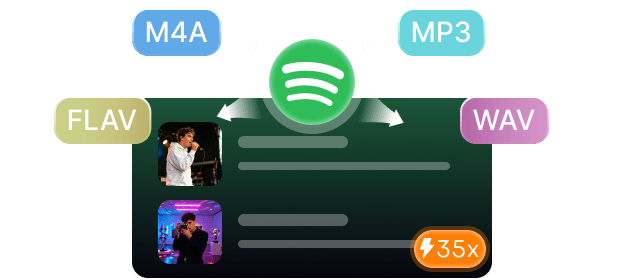
Online Spotify-to-MP3 converters let you quickly download songs by simply pasting a link into a browser. However, they come with lower audio quality, ads, unstable downloads, and no reliable batch playlist support. In contrast, TopVox Spotify Music Converter offers a smoother and more powerful experience. It provides lossless audio quality, full playlist and album batch downloads, preserved ID3 tags, no ads, and stable performance.
100% Secure. No virus.
100% Secure. No virus.
This page has tested and selected the best Spotify-to-MP3 converters online that still work today. This way, you don’t have to waste time trying broken or unreliable sites. Online converters are popular because they are fast, free, and easy to use, but they come with hidden limits. In this post, we explore the best options for working and explain common problems with online converters. We will also include a comparison table to help you quickly see the differences between the tools. And while online tools can be useful for quick downloads, users who want a more stable, high-quality experience often switch to a more reliable solution like TopVox Spotify Music Converter. This tool avoids most of the restrictions found in browser-based converters.
100% Secure. No virus.
100% Secure. No virus.
Part 1. Top Spotify to MP3 Converter – TopVox
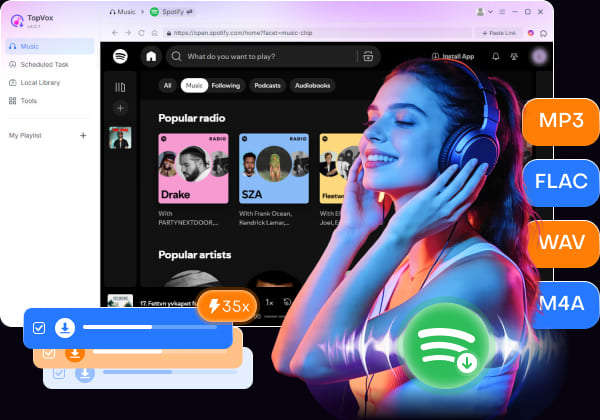
TopVox Spotify Music Converter is a top-performing Spotify music converter and downloader. It converts Spotify tracks into DRM-free formats, including MP3, FLAC, M4A (ALAC/AAC), WAV, and AIFF. This software can batch-download entire playlists, albums, podcasts, and multiple tracks simultaneously, up to 35× faster. It supports high-quality exports up to 24-bit/320Kbps/48000Hz, preserving lossless audio quality.
100% Secure. No virus.
100% Secure. No virus.
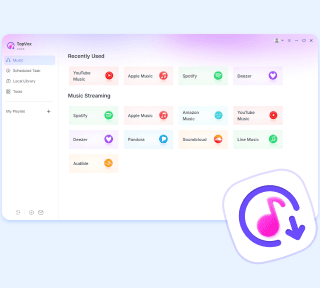
Moreover, it keeps complete ID3 tags, including artist names, album titles, cover art, genre information, and track metadata. Biggest flex? It works without Spotify Premium, contains no ads, and uses a one-time payment instead of recurring subscriptions. Beyond Spotify, it also supports downloading music from major streaming platforms. It includes Apple Music, Amazon Music, YouTube Music, Deezer, Pandora, SoundCloud, Line Music, and Audible.
Part 2. Problem with Online Spotify-to-MP3 Converters
TopVox Spotify Music Converter is designed to make downloading Spotify songs simple, even for beginners. With its built-in Spotify web player and batch conversion system, you can quickly build an offline music library in just a few steps.
Step 1. Start by securing a free download of TopVox Spotify Music Converter. Install the Spotify music converter and allow the setup process to finish. After completing the installation, open the software to access the main dashboard.
100% Secure. No virus.
100% Secure. No virus.
Step 2. From the Music tab, you will see multiple supported streaming services. Select the Spotify tile to open the built-in Spotify web player. Log in to your account, then search for the songs, albums, or playlists you want to download.
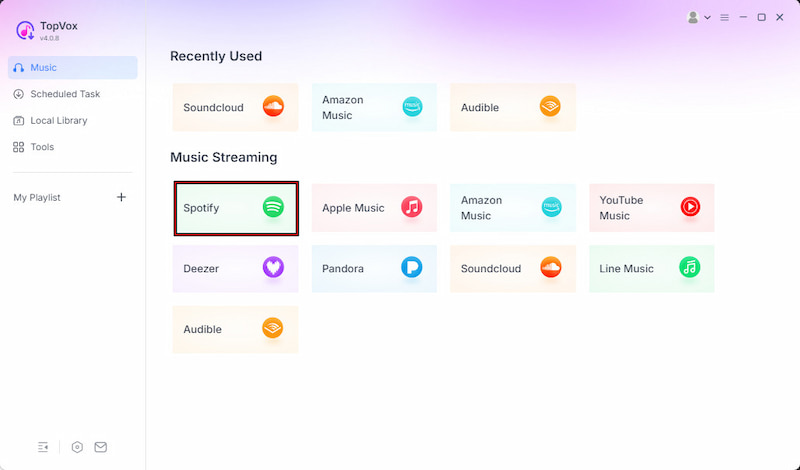
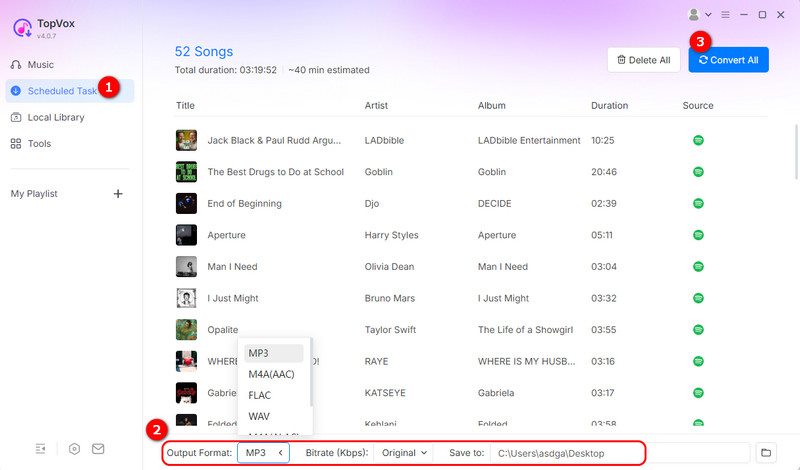
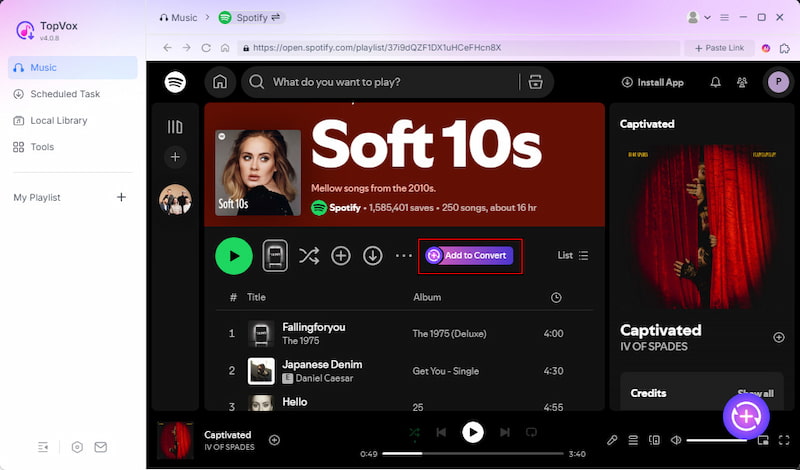
Step 3. Once you find your desired tracks, click + Add to select individual songs. If you want to download an entire album or playlist, use + Add to Convert instead. All the items you’ve selected will appear into the Scheduled Task (download queue) section for processing.
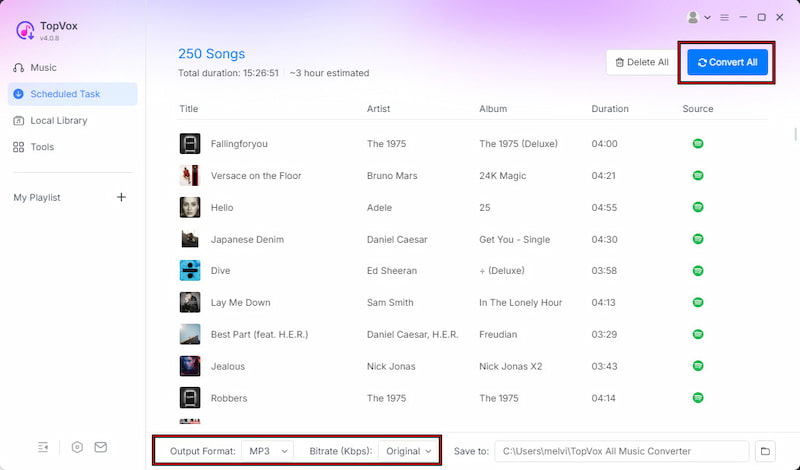
Step 4. Before downloading, you can adjust output settings such as format, bitrate, and sample rate. By default, TopVox saves files as MP3, but it also supports other formats. After setting up everything, click Convert All to start downloading your Spotify music in batch mode.
TopVox makes Spotify downloading straightforward through a built-in web player and batch conversion system. It allows you to quickly build an offline music library with preserved metadata and flexible audio formats. Additionally, it requires no Spotify Premium to operate.
100% Secure. No virus.
100% Secure. No virus.
Part 3. TopVox Vs. Online Tools at a Glance
Spotisaver
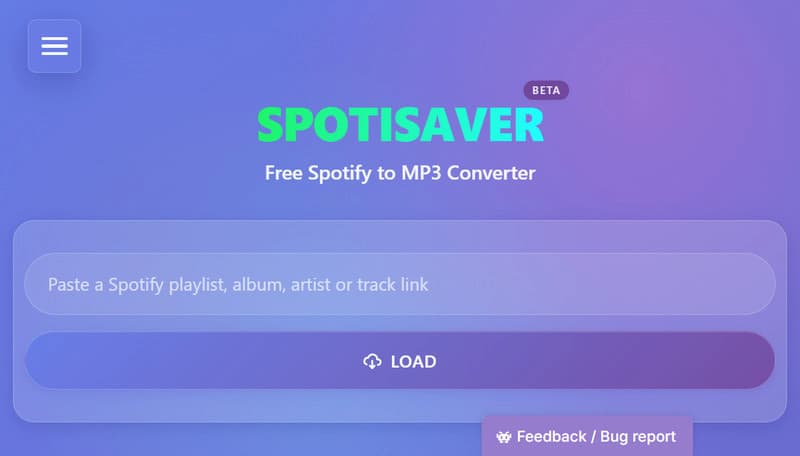
Spotisaver is a browser-based Spotify-to-MP3 converter for downloading individual tracks, albums, or playlists. It saves the entire playlists or albums as a ZIP file, making bulk downloads more convenient. However, , as a free user, you will experience download issues during periods of high server load. The service prioritizes Premium users in the download queue, meaning paid users receive faster processing and download speeds.
SpotMate
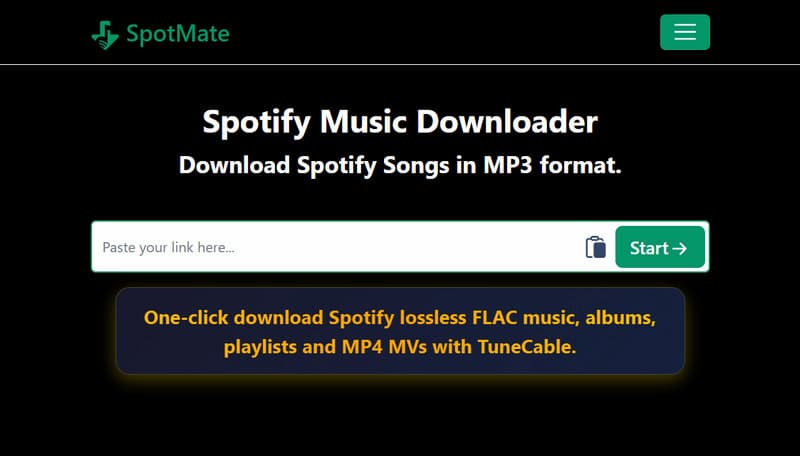
SpotMate is one, of the best online Spotify-to-MP3 converters. It does not require a Spotify Premium account, registration, or app installation. It supports downloading individual tracks, albums, and playlists, while preserving basic ID3 metadata. But here’s the catch: The free version only lets you save the first 3 tracks from Spotify playlists or albums. It encourages users to fund or support the website to unlock unrestricted batch downloads and remove ads.
SpotiDown
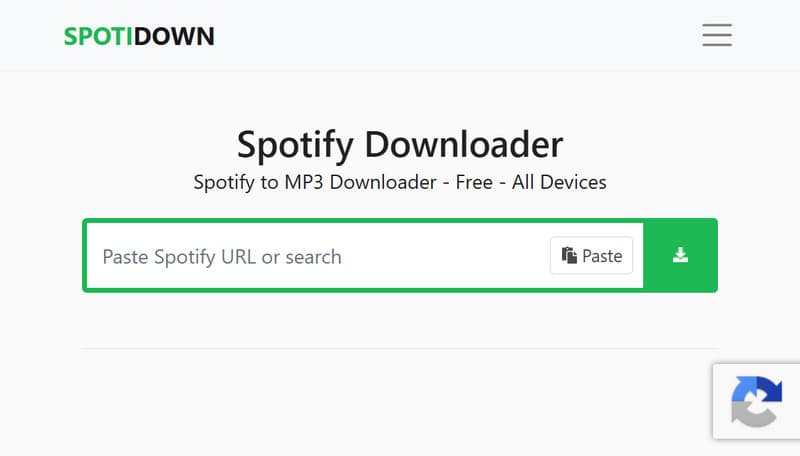
SpotiDown is an online Spotify-to-MP3 downloader. It can convert and download Spotify songs, playlists, albums, and even podcasts without installing additional software. It supports playlist and album ZIP downloads in high-quality MP3 formats. Now, a small heads-up: Downloads require multiple attempts before a track finishes. Additionally, it requires a Premium subscription to unlock unrestricted batch downloading.
Spotimate (SpotifyMate)
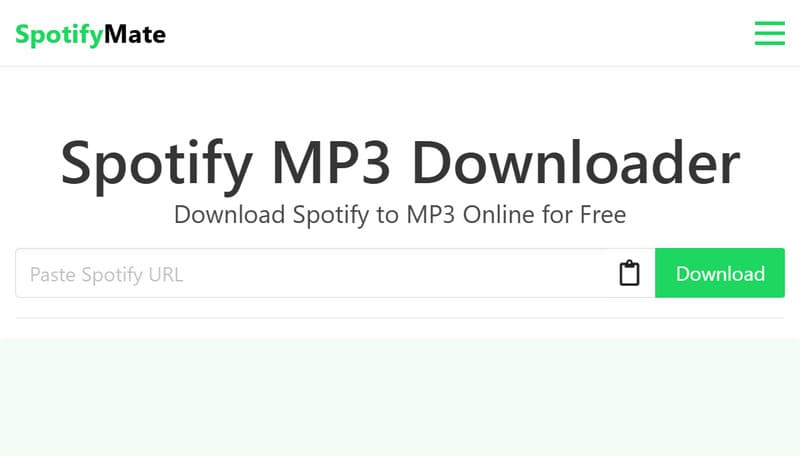
Spotimate, also known as SpotifyMate, is a free web-based Spotify-to-MP3 downloader. It promotes itself as a secure and fully online service with unlimited free downloads. This tool supports high-quality MP3 downloads up to 320kbps. However, it does not support batch downloading, so you must manually click the download button for each track rather than downloading full playlists in one go.
Part 4. Problem with Online Spotify-to-MP3 Converters
Online Spotify-to-MP3 converters may look convenient at first. However, they come with limitations that become apparent once you use them regularly. Here are the common problems with Online Spotify-to-MP3 converters:
- • Many online tools limit downloads to around 128 kbps, resulting in compressed, lower-quality sound.
- • Users must paste Spotify links into third-party servers, which may store or process data without clear transparency.
- • Most tools do not support full playlist or album downloads in one click, forcing you to download tracks one by one.
- • Many online converters disappear or change domains unexpectedly due to policy enforcement or hosting issues.
- • Free platforms rely heavily on ads, which can lead to misleading buttons, redirects, and a cluttered downloading experience.
Therefore, a professional music converter like TopVox Spotify Music Converter should be your best choice. It can solve all these issues perfectly, letting you enjoy Spotify tracks offline forever.
100% Secure. No virus.
100% Secure. No virus.
Part 5. TopVox Vs. Online Tools at a Glance
| Spotify Music Converter | Audio Quality | Conversion Speed | Batch Download | Full Metadata Retention | Security | Ads | Free Trial |
|---|---|---|---|---|---|---|---|
| TopVox Spotify Music Converter | 24-bit/320Kbps/48kHz | Up to 35× | ✅ No limit | ✅ | ✅ | ❌ | ✅ 14-day free trial |
| Spotisaver | 16-bit/320Kbps/44.1kHz | Depends on server/network | ✅ Up to 100 tracks per playlist/ZIP archive | ❌ | ✅ | ✅ | ✅ |
| SpotMate | 16-bit/128Kbps/44.1kHz | Depends on server/network | ✅ Up to 3 tracks per batch | ❌ | ✅ | ❌ | ✅ |
| SpotiDown | 128Kbps/44.1kHz | Depends on server/network | ✅ Up to 5 tracks per batch | ❌ | ❌ | ❌ | ✅ |
| SpotiMate | 128Kbps/44.1kHz | Depends on server/network | ✅ Up to 3 tracks per batch | ❌ | ❌ | ❌ | ✅ |
Conclusion
In conclusion, the best online Spotify-to-MP3 converters can handle quick, occasional downloads. However, they still come with lower audio quality, intrusive ads, unstable batch downloading, and privacy concerns. These issues make it harder to rely on them for building a complete music library. If you want a more stable and higher-quality solution, you can switch to TopVox Spotify Music Converter. It delivers lossless output, batch downloads, and an ad-free, reliable experience.
TopVox Spotify Music Converter
Rated on Trustpilot >  4.8/5
4.8/5
- Download and convert Spotify songs, albums, playlists, etc., with a success rate of up to 99%.
- Keep original quality, retain ID3 tags, offer lightning-fast speed and lifetime updates.
100% Secure. No virus.
100% Secure. No virus.